Invoicing
Clear invoices. Connected work.
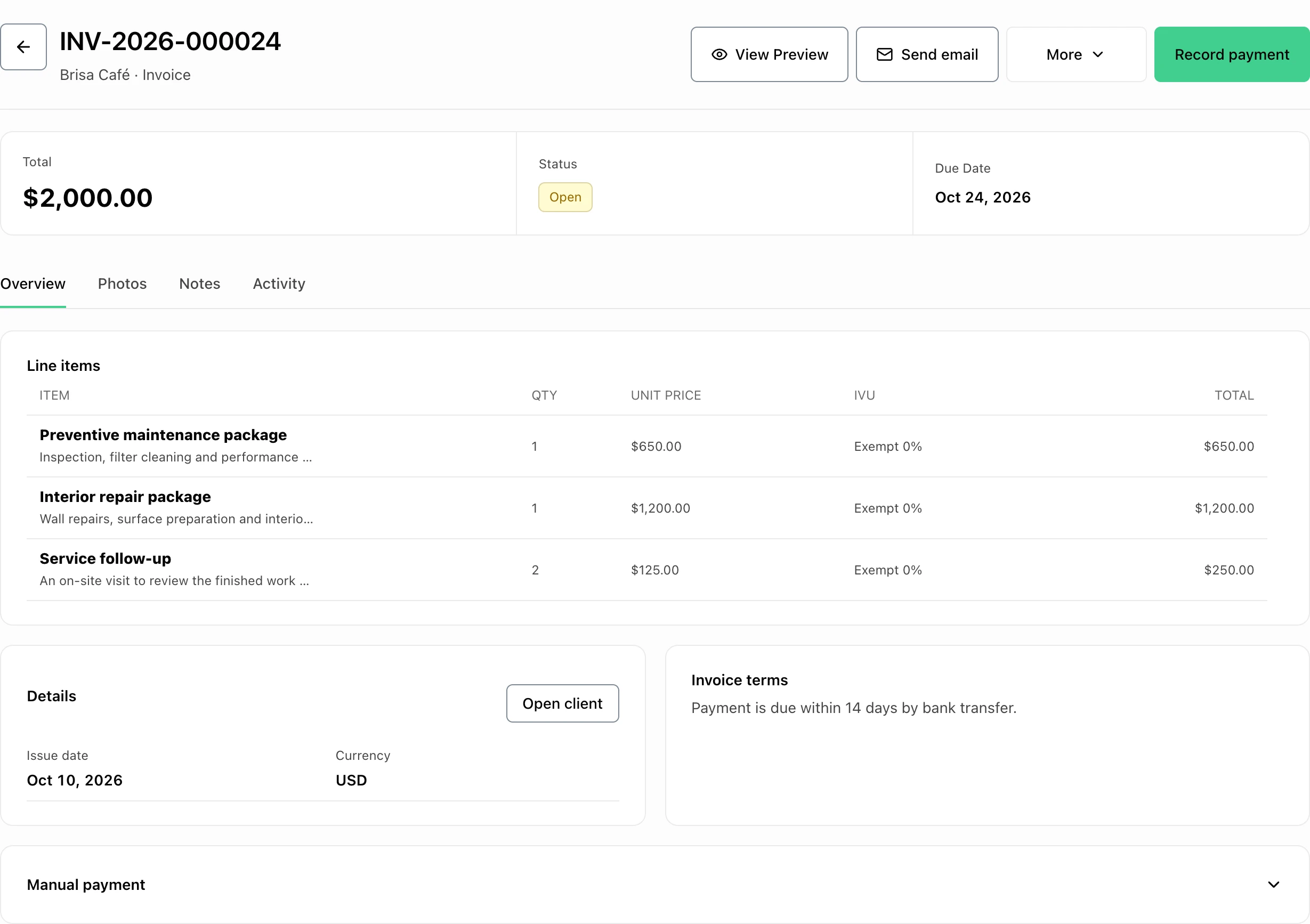
Create estimates and invoices with saved clients, line items, photos, payment instructions, and document templates.
Start 7-day trialIndividual · invoices + estimates: 50/month
At a glance
What you can do
Multiple invoice templates for different job types
Manual payment options, ATH Móvil details, and online card payments on eligible plans
Provider-confirmed online payments update and lock the invoice
Customer-facing PDFs keep internal references out of the way
From estimate to payment
From estimate to payment
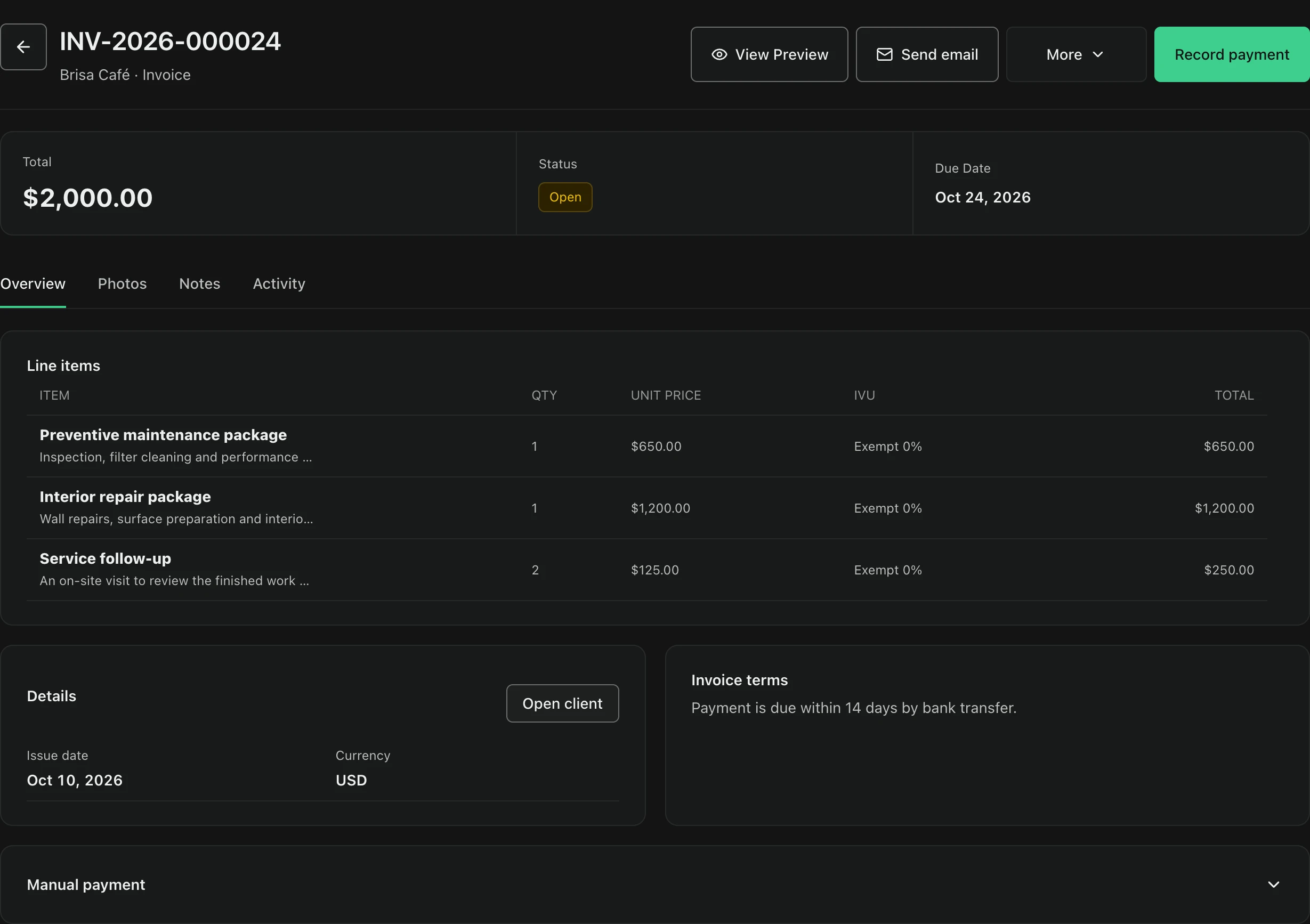
FacturaOS keeps the invoice connected to the customer, jobsite, service lines, payment method, evidence, and final status.
- Create drafts
- Convert estimates
- Send PDFs
- Confirm payment
Templates
Choose a document format
Use a clean statement when the customer needs a simple bill, a service-detail format when the job needs more context, and other templates when the work calls for them.
- Classic invoice
- Clean statement
- Service detail
- Options for different businesses
Online payment
Payment status, confirmed
When the payment provider confirms the exact online payment, FacturaOS marks the invoice paid. Provider-paid invoices stay locked against manual reopening.
- Simple customer payment page
- Easy return to the invoice
- Payment status updates automatically
- Provider-paid invoices stay locked
Common questions
Can I use FacturaOS without online payments?
Yes. You can record cash, ATH Móvil, or card-terminal payments and use FacturaOS to keep invoices and payment history organized.
Can customers pay an invoice link?
Eligible Pro and PyME accounts can add an online payment page to an invoice after payments are set up.
Can I choose different invoice templates?
Yes. FacturaOS supports multiple invoice formats so the customer PDF can match the job. Some additional formats depend on the plan and operating country.
Invoicing