

Projects · Pro + PyME
Keep projects moving.
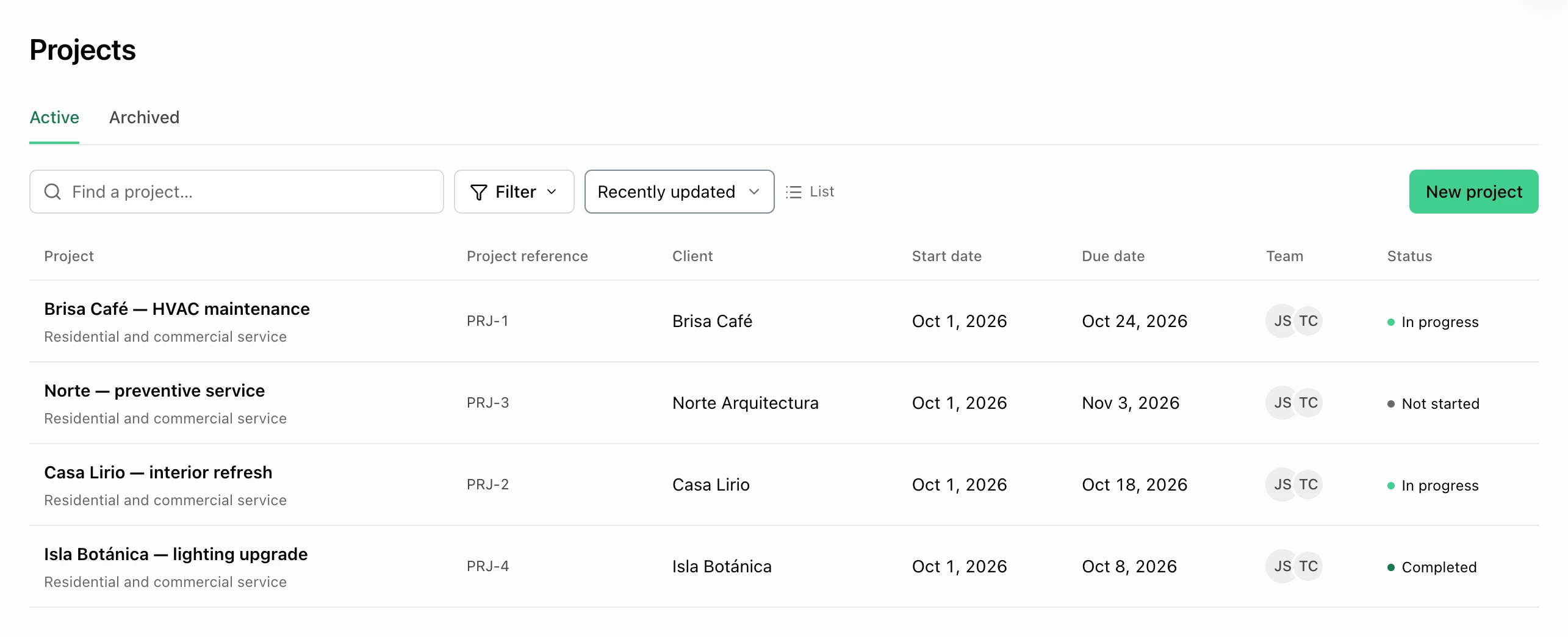
Clients, tasks, notes, dates, team members, and tracked time in one project.
Start 7-day trialPlans: Pro and PyME
At a glance
What you can do
Client, manager, dates, tags, and resources
Project Notes with private or team visibility
Tasks, tracked time, and team details inside each project
Overview
Project status at a glance
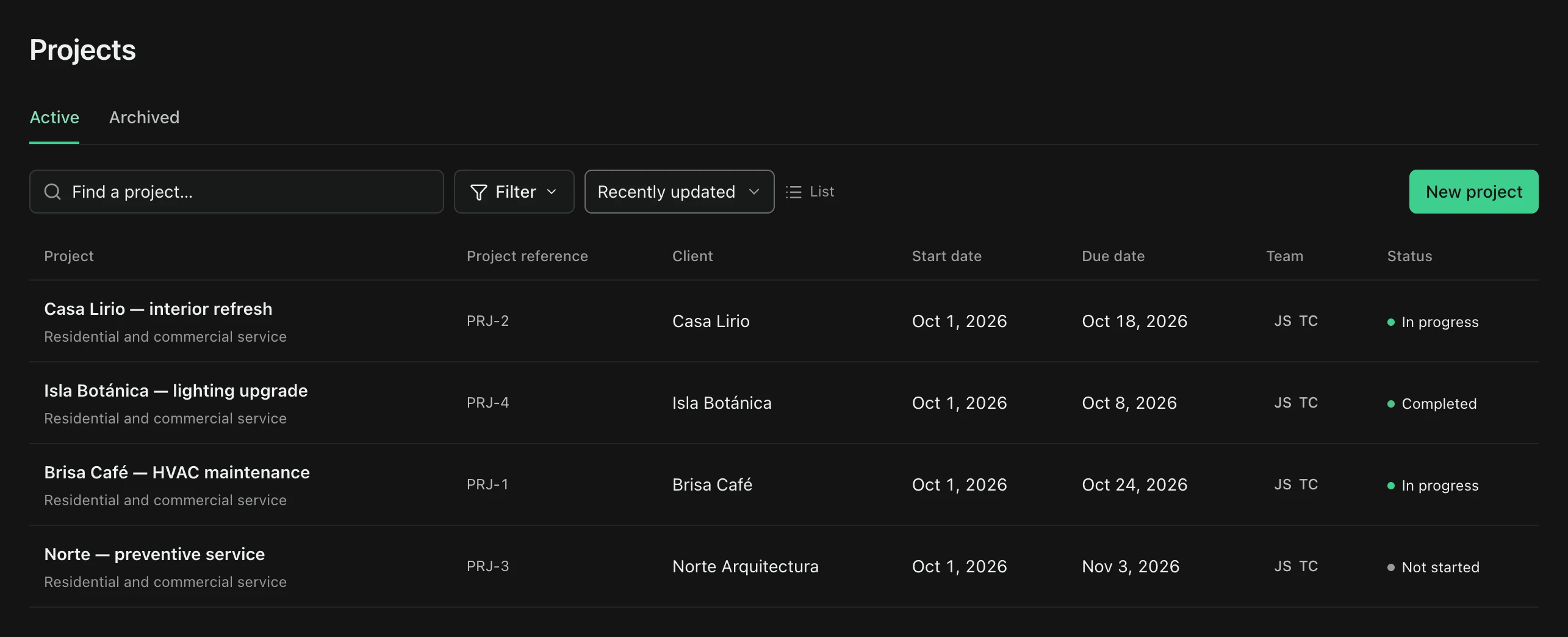
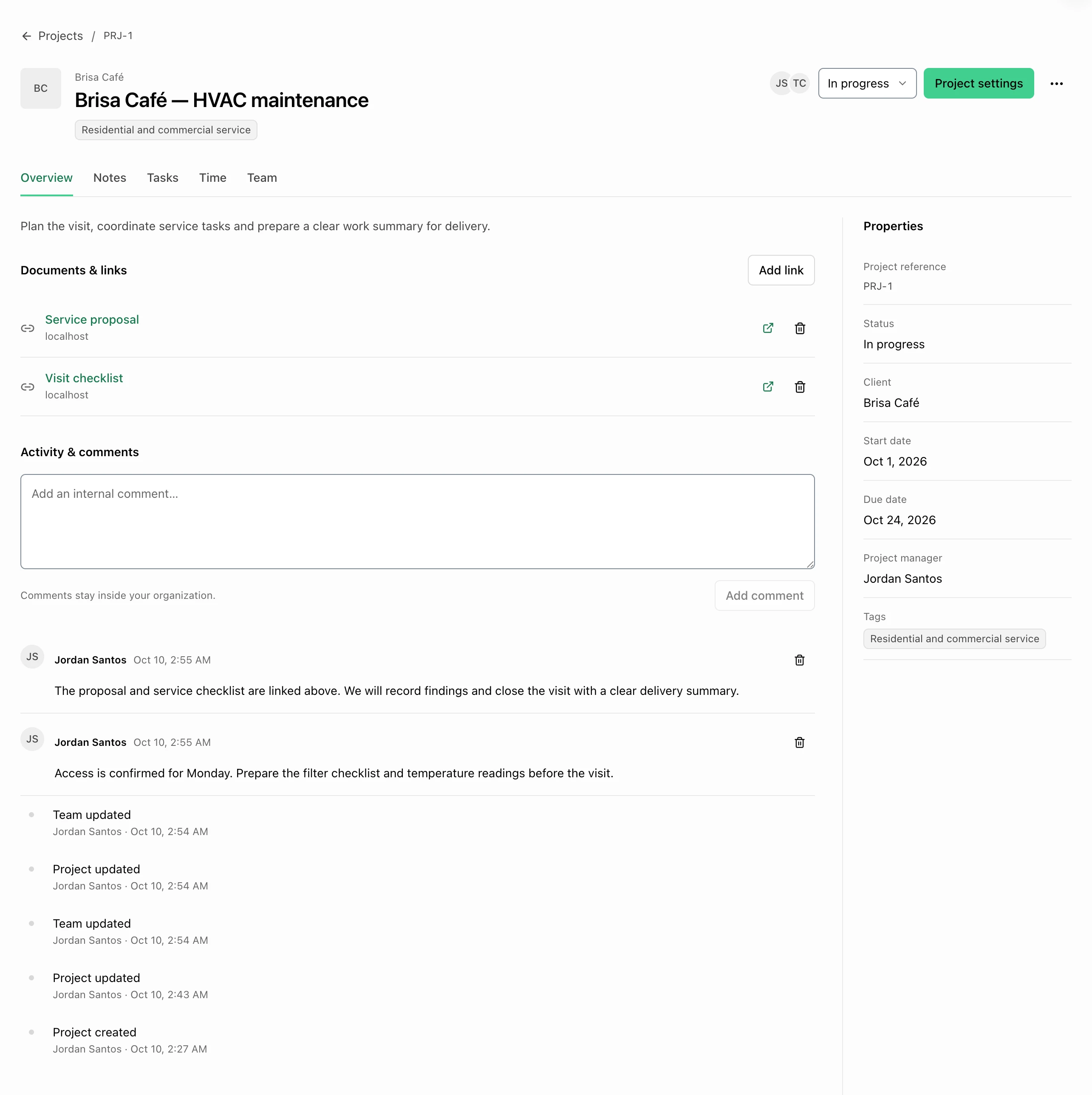
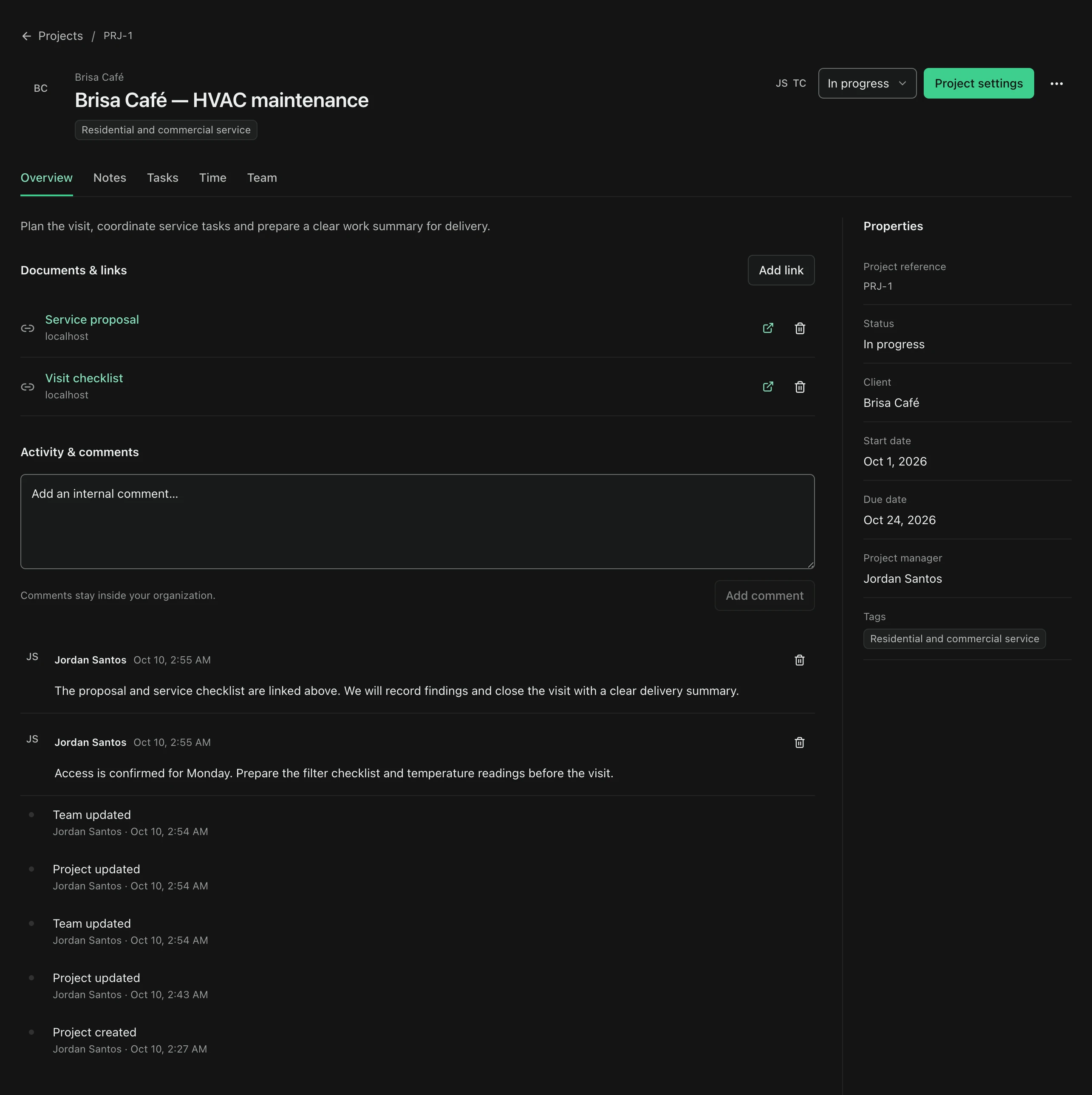
Connect a project to a saved client, set its status and dates, and choose a manager and team from your organization. Keep reference links and internal comments alongside its activity. Search, filter, and sort the register to find the next project to move forward.
- Client and team context
- Status and dates
- Resource links
- Comments and activity
Connected work
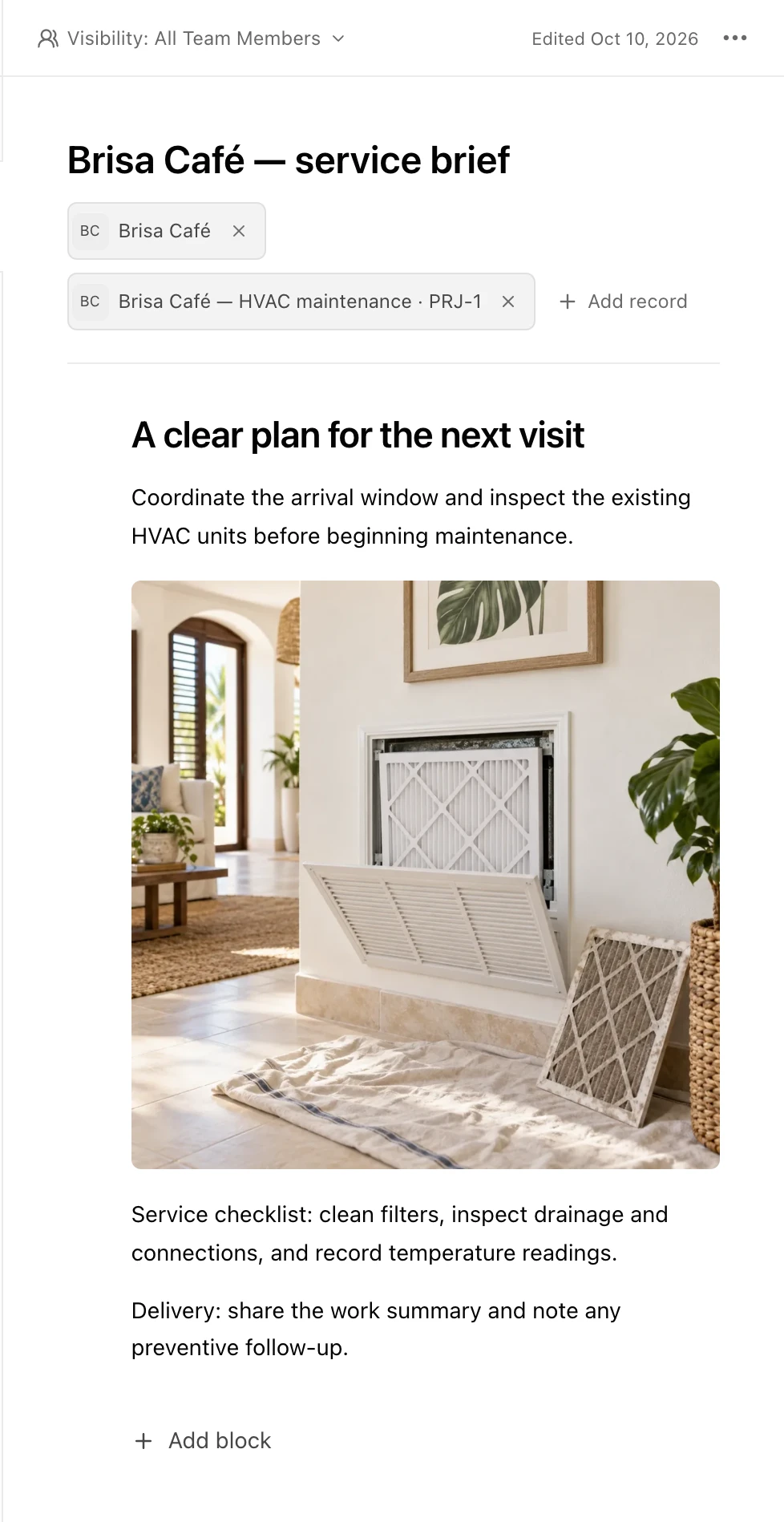
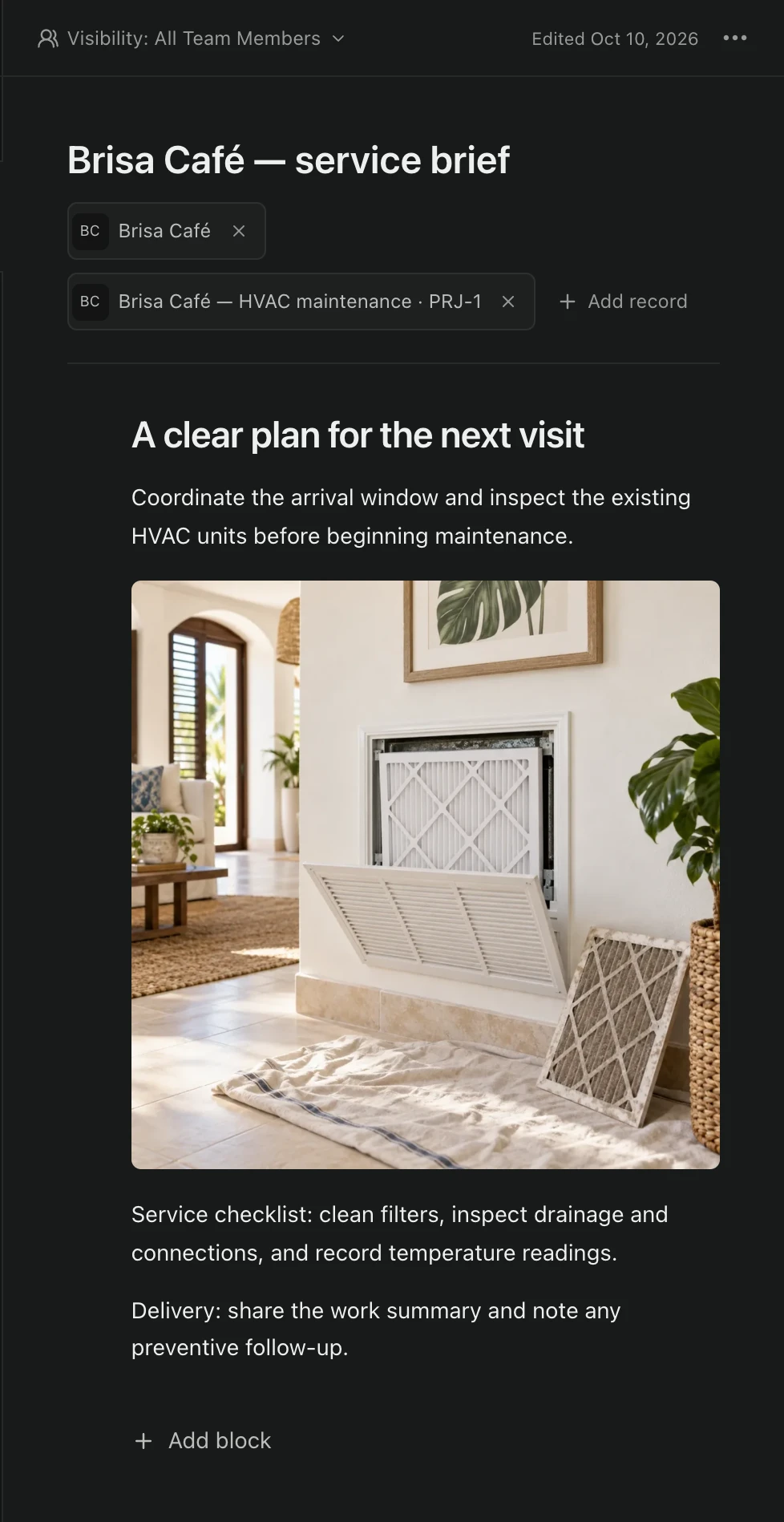
Notes and tasks, together
Open Notes and Tasks directly inside the project. New project Notes carry a Project record link, and existing Notes can be connected through their record picker. Private Notes keep their creator-only visibility; adding a project does not share them with the team. Archive completed projects and restore them when work resumes.
- Linked project Notes
- Project tasks
- Existing visibility rules
- Archive and restore
Time
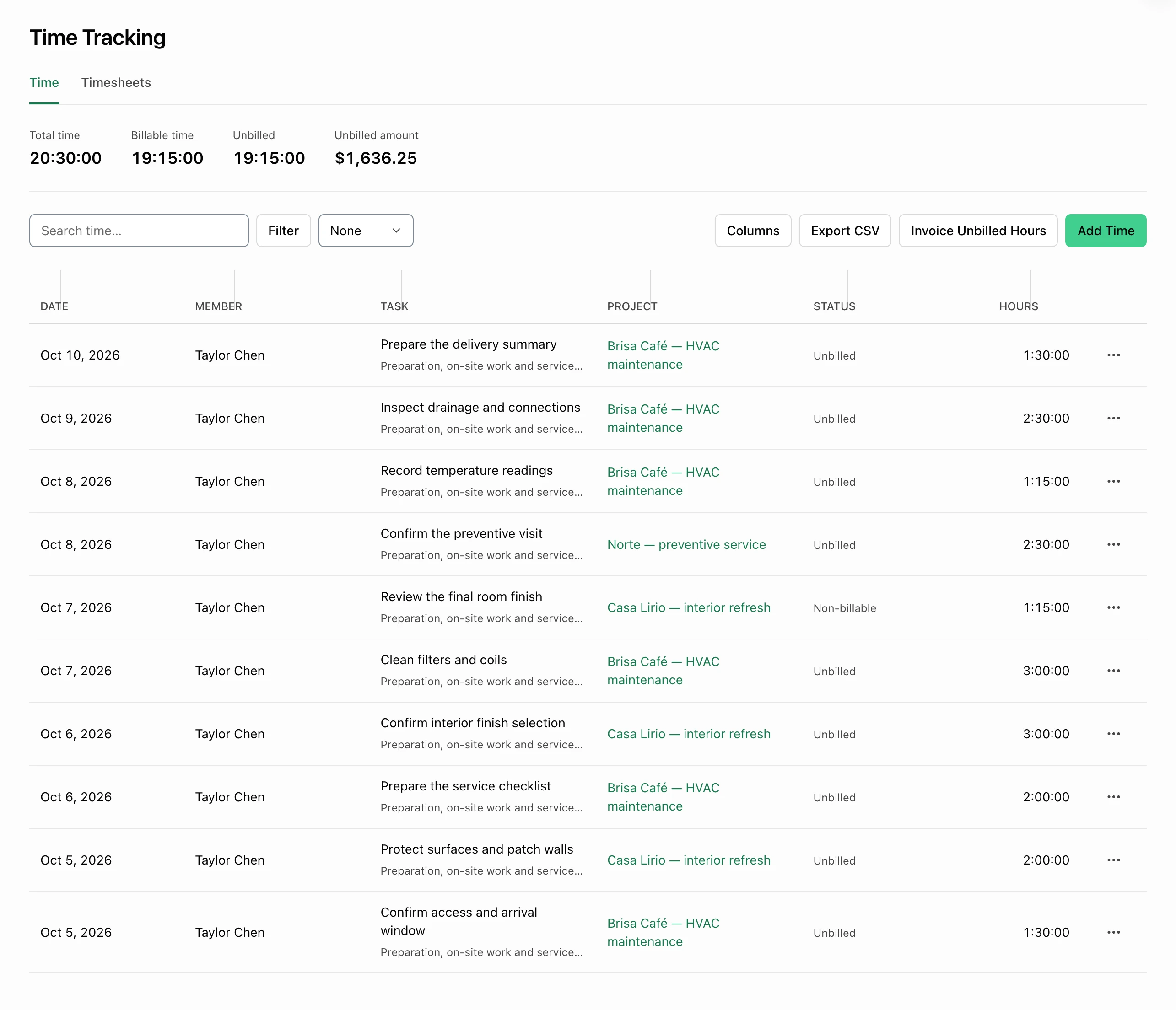
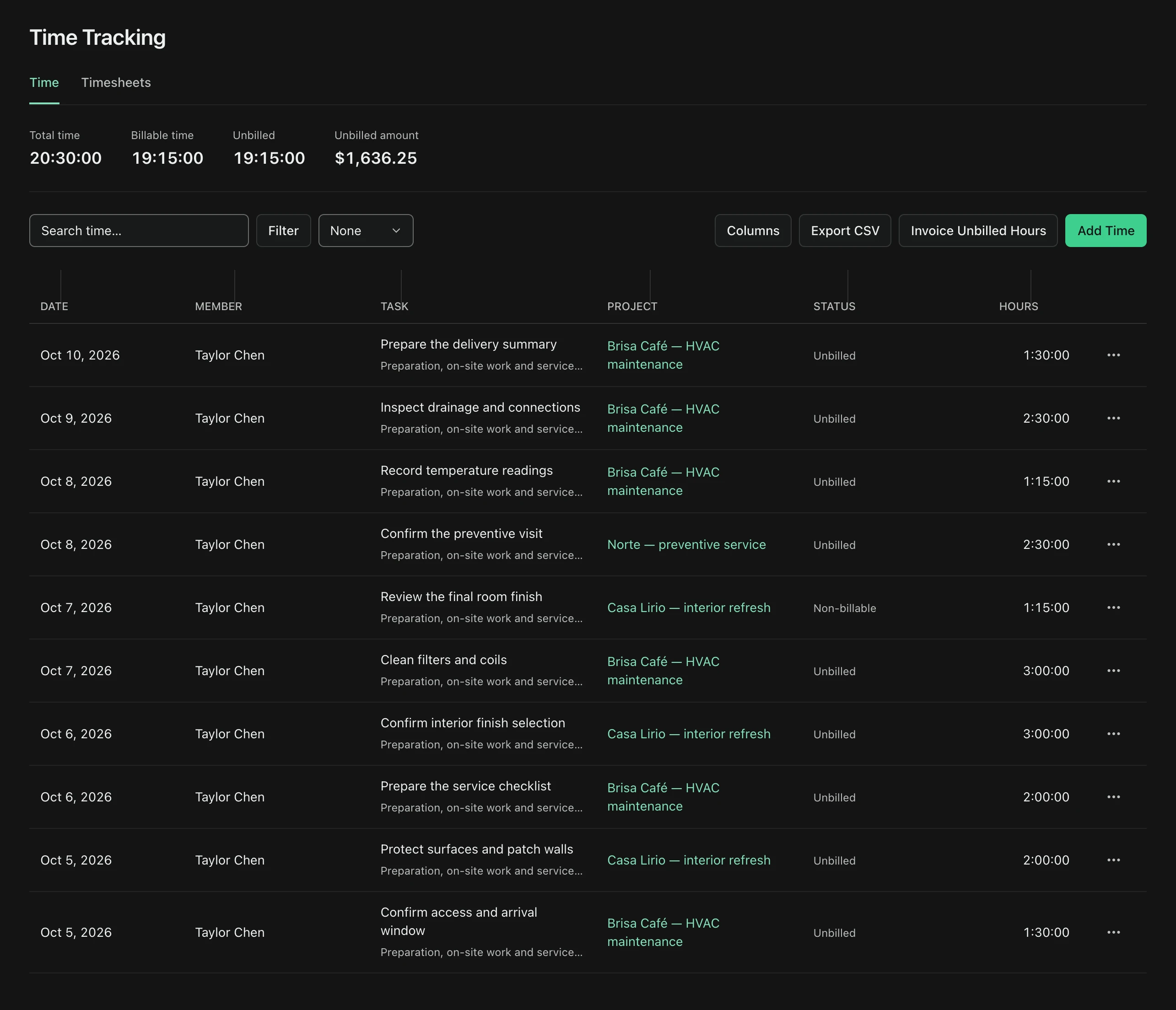
Track hours by project
Use the project Time tab to review linked time entries. Start a timer or add time manually, mark billable work, and set an hourly rate. Turn selected unbilled hours into a draft invoice while preserving the original tracked duration.
- Project Time tab
- Manual entries and timer
- Billable hours and hourly rates
- Unbilled time to a draft invoice
Common questions
Which plans include Projects?
Projects is included with active Pro and PyME access on SaaS web. Individual does not include it; eligible Pro and PyME trials include their selected plan features. Authorized organization members can view projects; workspace roles govern editing.
Does adding a project make a private Note visible to others?
No. A Project record associates the Note with the project while preserving its private or team visibility. Only authorized users who can already access the Note can read it.
Can I delete a project?
Authorized managers can permanently delete a project after confirmation. Its team links, resources, comments, activity, and task lists are removed. Linked Tasks and Notes remain, with their project links removed. Archive instead when you may need the project again.
Can I track and invoice project hours?
Yes. The Time tab connects project time entries, a timer, billable status, and hourly rates. Authorized users can create a draft invoice from selected unbilled time. Invoice rounding preserves the actual tracked duration. Expenses, project budgets, guest invitations, and Ops mobile project editing remain deferred.
Projects · Pro + PyME