

Built for service days

Small repairs. Clear invoices.

Keep repair services ready to quote and give every customer a clear record of the work and payments.

  • Saved installations
  • Prices and durations
Illustrative scene of a handyman completing a home repair.

From the repair list to the bill.

01

The installation services

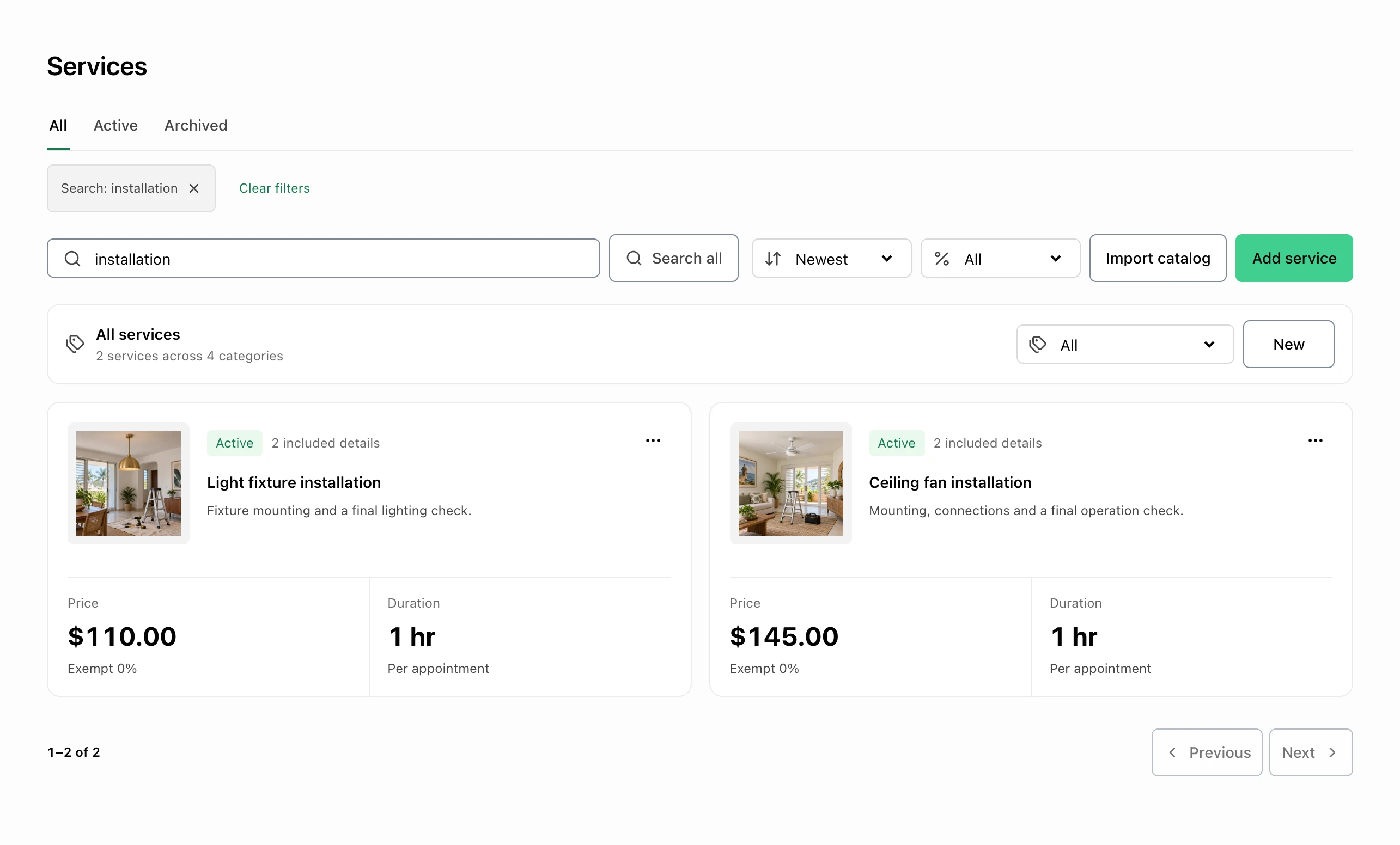
Reuse fixture and fan installation prices.

Keep saved light-fixture and ceiling-fan installations with their prices and durations. Confirm the scope before quoting the customer’s work.

  • Saved installations
  • Prices and durations
FacturaOS service catalog with descriptions, prices, and durations.FacturaOS service catalog with descriptions, prices, and durations.
02

The invoice list

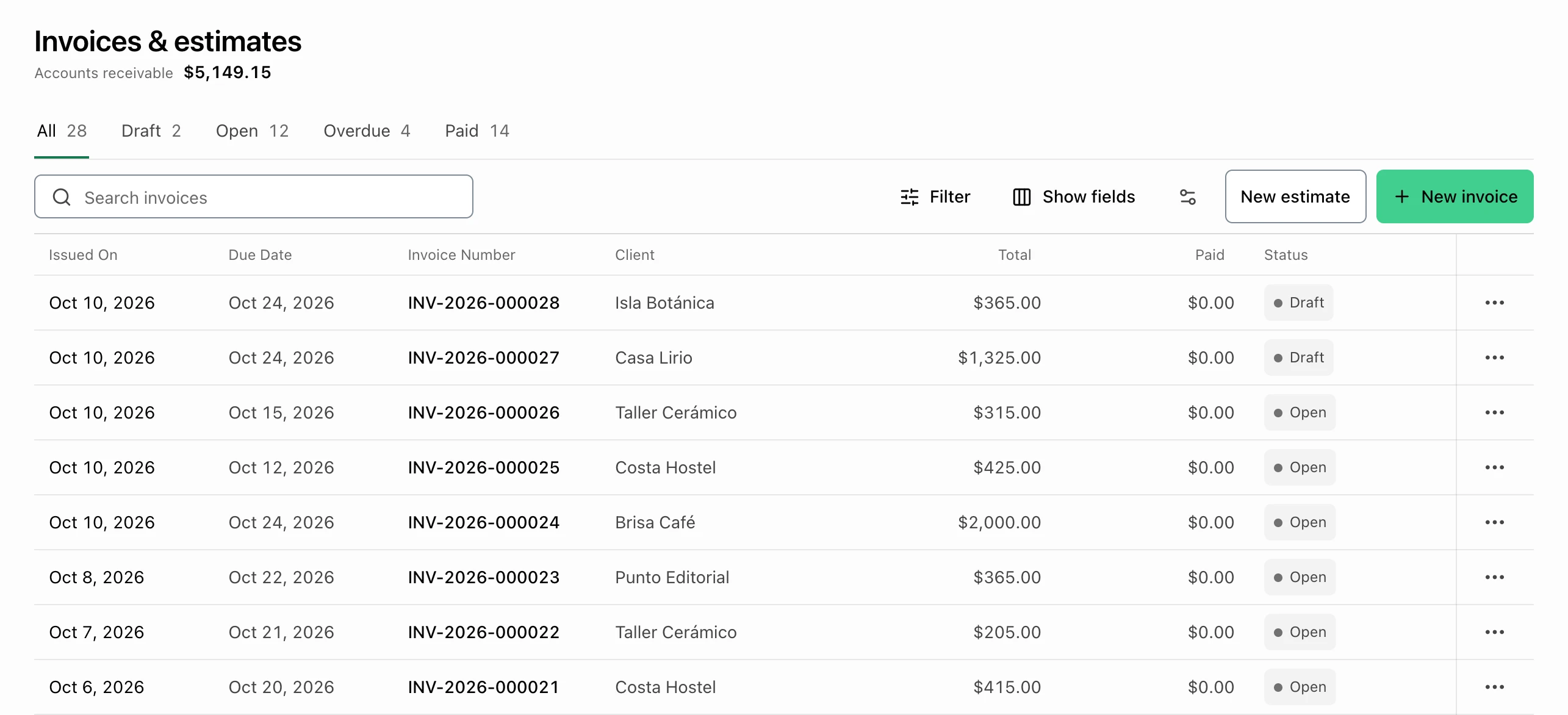
Keep each job’s billing easy to find.

Review the invoice number, customer, total, paid amount, and status together. Open the invoice for the repair details or payment history.

  • Invoice and customer
  • Totals and status
FacturaOS invoice list with customers, amounts, dates, and statuses.FacturaOS invoice list with customers, amounts, dates, and statuses.

Keep it clear

A useful view of the work.

01Start

Individual

02Daily rhythm

Pro

03More control

PyME

For this kind of work

Explore the tools.

Before you get started

Plans, payments, and country-specific details.

Can I use FacturaOS outside Puerto Rico?

FacturaOS has country-specific workflows, but the countries you can select are controlled during account setup and can change. Check the current options before relying on a local workflow. Each business account uses one operating country at a time.

Do I need to change my whole process first?

No. Start with clients, estimates, invoices, and payment follow-up. Add routes, suppliers, templates, reports, or team roles only when they make the work easier.

Built for service days

Bring your next job into focus.

Bring the next customer, invoice, and payment record together.

Start with FacturaOS