


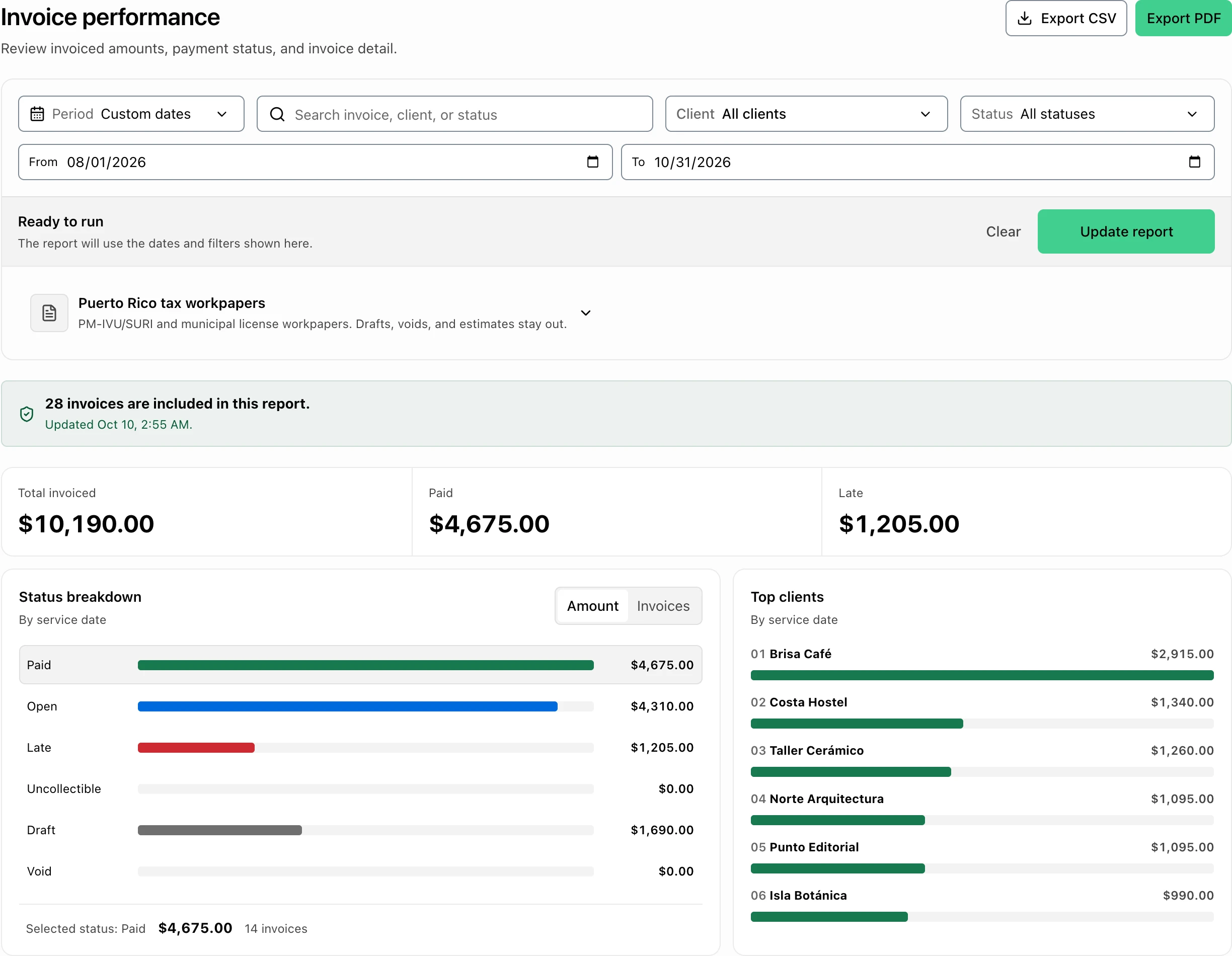
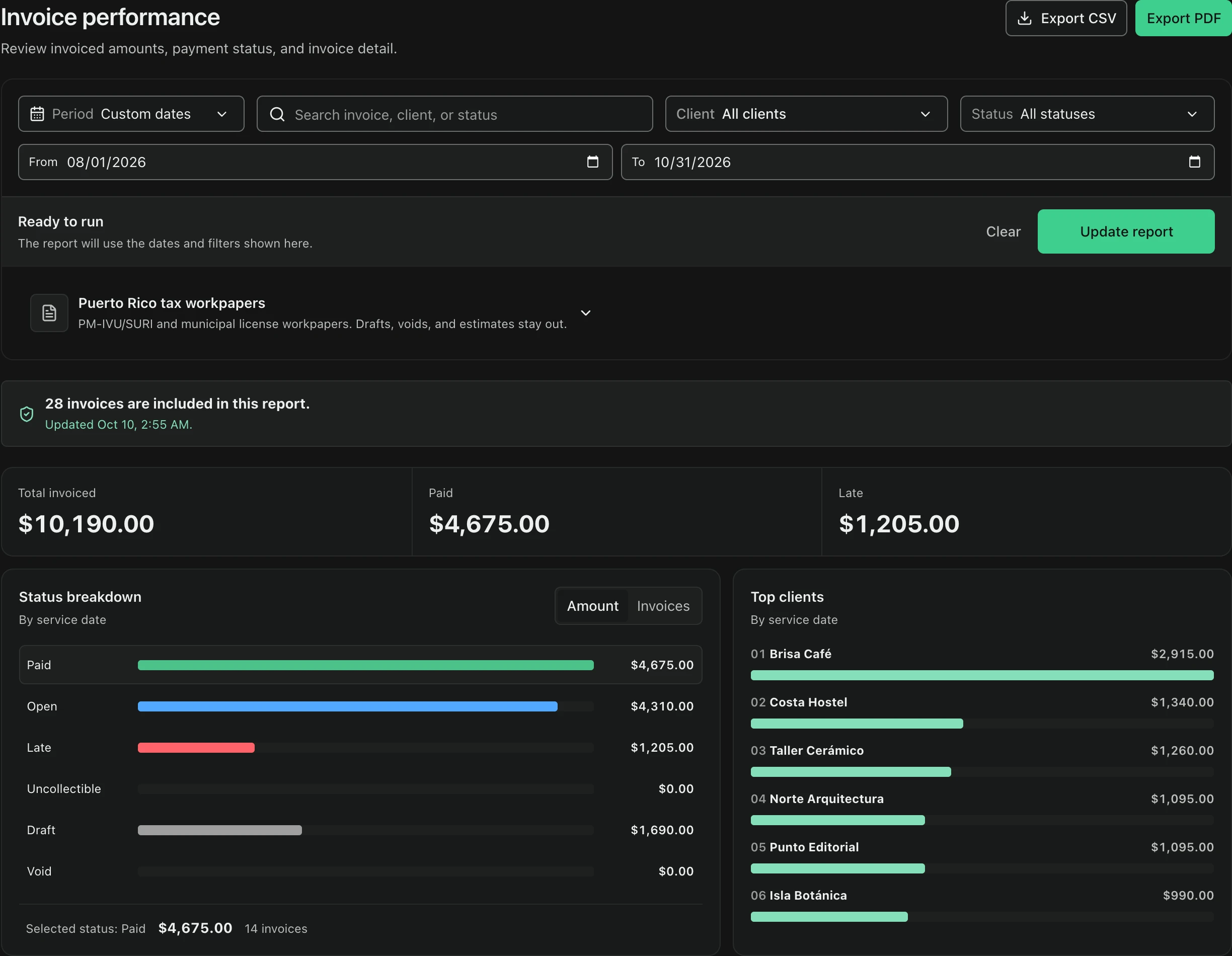
Define one period before generating anything
Choose the period once and keep it consistent across the entire handoff. Start with the invoice date range your accountant expects, then note whether collections received later belong in the same operating review or a different one. Mixing date ranges between screenshots, exports, and workpapers creates differences that are difficult to explain even when every individual record is correct.
- Start and end dates
- Invoice-date convention
- Collection timing notes
- Same range in every output
Clean the register before reading the report
Use the invoice register to review drafts, open, overdue, and paid invoices before relying on totals. A draft is unfinished work, an open invoice is issued but unpaid, an overdue invoice has passed its due date, and a paid invoice should reflect a confirmed collection. Investigate unusual statuses instead of changing them only to force the report to match an expectation.
- Draft
- Open
- Overdue
- Paid
Use the report that matches the question
FacturaOS separates Invoice performance from Sales and collections so the owner can ask different questions. Invoice performance helps explain volume and status; Sales and collections focuses on billed activity and received payments. Compare both views to client balances and payment notes. Timing differences are normal, but they should be described rather than hidden.
- Invoice performance
- Sales and collections
- Client balances
- Payment-method notes
Pair summary reports with traceable exports
Use Exports when the accountant needs transaction-level detail or wants to test a total outside the dashboard. Keep the file together with the reporting period, the settings used, and any explanation of refunds, voids, discounts, or exempt lines. If a number changes after correction, regenerate the affected output so every item in the handoff comes from the same reviewed state.
- Transaction export
- Report settings
- Exception notes
- Regenerated final version
Use workpapers as preparation, not submission
The PyME plan includes Puerto Rico workpapers for PM-IVU/SURI and municipal patent review. They organize eligible invoice data and exclude drafts, voided invoices, and estimates. That exclusion makes the worksheet more useful, but it does not convert it into an official return. FacturaOS does not file, transmit, pay, or amend a return with Hacienda or a municipality.
- PM-IVU/SURI workpaper
- Municipal patent workpaper
- Drafts, voids, and estimates excluded
- Advisor review before official filing
Match the handoff to the current filing channel
Hacienda announced municipal IVU filing and payment integration in SURI for 73 participating municipalities, while five municipalities would retain their own processes. Confirm the current channel for the municipality involved before the accountant files. The operational report can support that work, but the official Hacienda or municipal instructions determine where and how the return is submitted.
- Check current Hacienda guidance
- Confirm the municipality's filing channel
- Keep official submission evidence
- Record amendments outside the original handoff
Deliver a small, complete review package
Send one compact package: the period and basis used, the reviewed summary reports, supporting exports, relevant workpapers, and a short exception list. Keep access credentials and sensitive customer data out of casual email or chat threads. Ask the accountant to confirm open questions about taxability, exemptions, timing, municipal treatment, and corrections before the official deadline.
- Period and reporting basis
- Summary reports and exports
- Workpapers and exception list
- Questions requiring professional judgment