

Decide whether the invoice is actually overdue
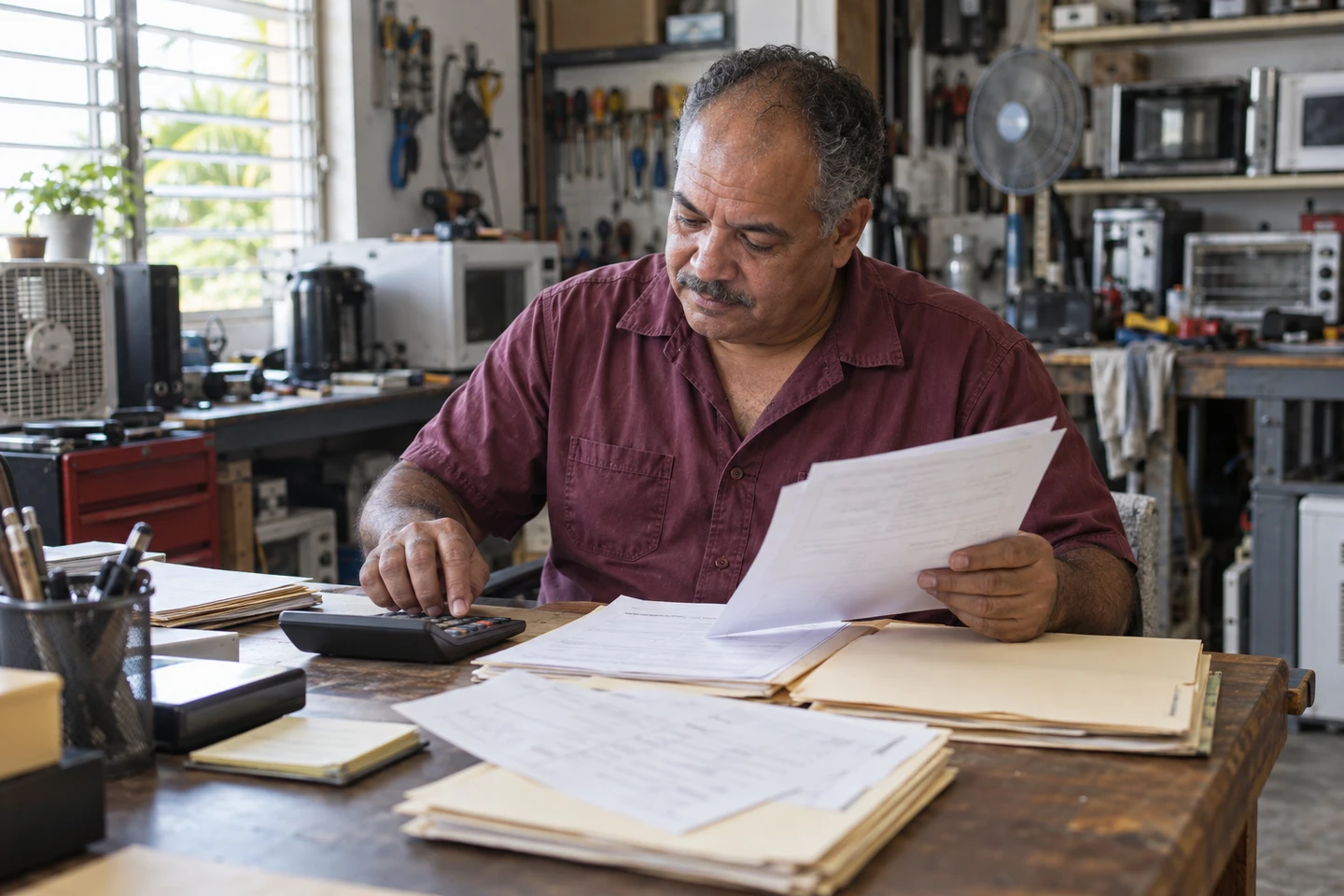
An unpaid invoice is overdue when its agreed due date has passed and a balance remains. Begin with the invoice that was sent to the customer, its due date, and payments already received. A draft or estimate is not a payment request. Separate paid, void, and uncollectible records from active follow-up. If an invoice has no agreed due date, check the original terms before assigning one or describing the payment as late.
- Use the customer-facing invoice number, not the PDF filename or an internal reference.
- Confirm the recipient, amount, currency, due date, and payment instructions against the original invoice.
- Check whether the customer has questioned the amount or reported a payment that needs verification.
- Keep one row per invoice; a customer with three invoices may have three different next actions.
Use the same short routine every week
Choose a regular review time and one person responsible for the list. Compare invoice totals with confirmed payments, then check the remaining balance against the record you intend to use for follow-up. For example, a USD 480 invoice with a confirmed USD 180 payment leaves USD 300 to review. A payment promise is not a received payment. Keep separate totals for each currency, and resolve mismatches before contacting the customer.
- Verify invoice total, confirmed paid amount, and remaining balance; investigate documented corrections separately.
- Check the date and reference of each payment against your bank, receipt, or payment-provider record.
- Update the invoice payment record only after verification; avoid recording the same receipt twice.
- Record the review date, last contact, responsible person, next action, and next review date in your checklist.
Group invoices by age without losing context
A simple manual list can use 1–7, 8–30, 31–60, and more than 60 days past due. These are review groups, not promises about a customer or a rule for adding fees. Within each group, check the balance and the last conversation. Give a billing question or a reported payment a verification task; give an unanswered, verified balance a reminder. If a payment date was agreed, review that date before sending another message.
- Write one action per invoice: verify payment, answer a question, send a reminder, or follow up on an agreed date.
- Assign one owner so two teammates do not contact the same customer at once.
- Use a specific calendar date such as October 12, 2026 rather than an ambiguous numeric date.
- Keep customer replies with the invoice reference so the next person can understand the conversation.
Send a short, complete message after checking the balance
Subject: Payment reminder for invoice [invoice number]. Hi [customer name], I am following up on invoice [invoice number] for [service], due on [written-out date]. Our records show a remaining balance of [amount and currency]. You can use the payment instructions on the invoice. Could you confirm when you expect to make the payment? If you have already paid, please share the payment date and reference so we can check our records. If there is a question about the invoice, please let me know. Thank you, [name and business].
- Replace every bracketed field with verified information before sending.
- Attach or reshare the correct invoice if the customer needs a copy.
- Use the agreed contact channel and confirm the recipient.
- Leave out new fees, payment links, or deadlines that were not already agreed.
Make the follow-up specific and leave room for a reply
Subject: Follow-up on invoice [invoice number]. Hi [customer name], I am checking back on my message of [written-out date] about invoice [invoice number]. The remaining balance in our records is [amount and currency]. Could you confirm a payment date or let us know what needs to be resolved? If payment has already been sent, please share its date and reference and we will verify it before updating the record. Thank you for your help, [name and business].
- Mention the previous contact date so the customer can identify the conversation.
- If the customer raises a billing concern, address it before repeating the reminder.
- Record an agreed payment date as a follow-up note, not as a payment.
- Choose the next review date after the response; avoid multiple messages from different teammates.
Confirm what happened and keep the history
After verifying a payment, update the record and check whether any balance remains. A simple confirmation is: Hi [customer name], thank you. We verified your payment of [amount and currency] for invoice [invoice number] on [written-out date]. The remaining balance is [amount and currency]. Please let us know if you need the current invoice or receipt. Best, [name and business]. Use the actual remaining balance; do not call the invoice fully paid while a balance remains.
- Keep the payment reference and confirmation date with the supporting record.
- Reconcile partial payments before closing the follow-up task.
- If no payment arrived on an agreed date, verify again before sending the next reminder.
- Retain the original invoice and the reason for any later status change.
Use FacturaOS records and a manual follow-up checklist
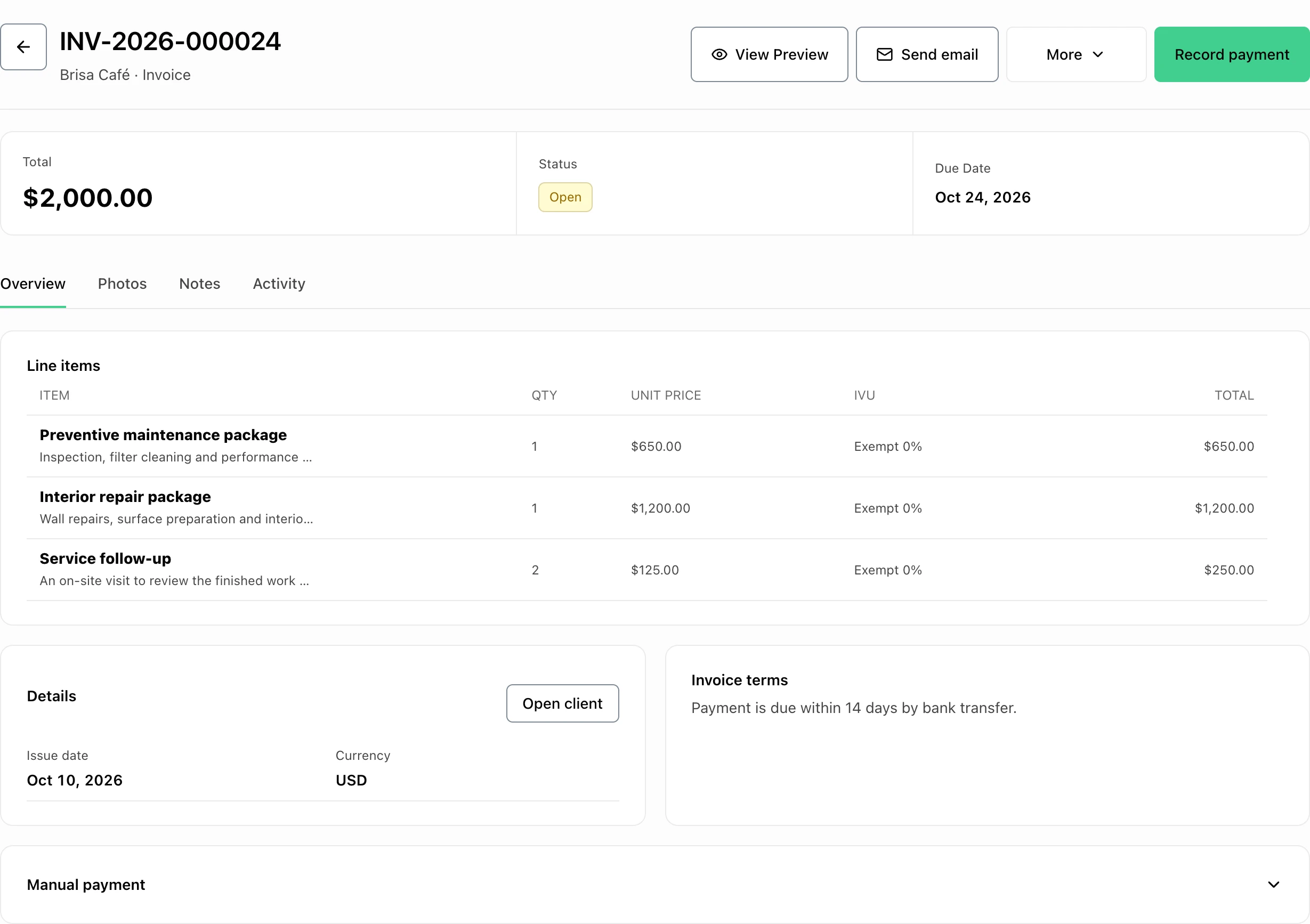
FacturaOS keeps invoices, due dates, recorded payments, and invoice statuses together. Use those records to review open and overdue work, then write and send the appropriate reminder through your chosen contact channel. The downloadable TXT includes both message examples and a reusable balance-review checklist. It is a planning aid: the review groups, contact schedule, and reminder text in this guide are managed by you.
- Begin each review with the current invoice and payment records.
- Check the correct customer-facing invoice number before sharing a copy.
- Use the checklist to track contact and the next review date.
- End the review with verified balances and a clear owner for every unresolved invoice.