The service contacts
Keep cleaning customers easy to reach.
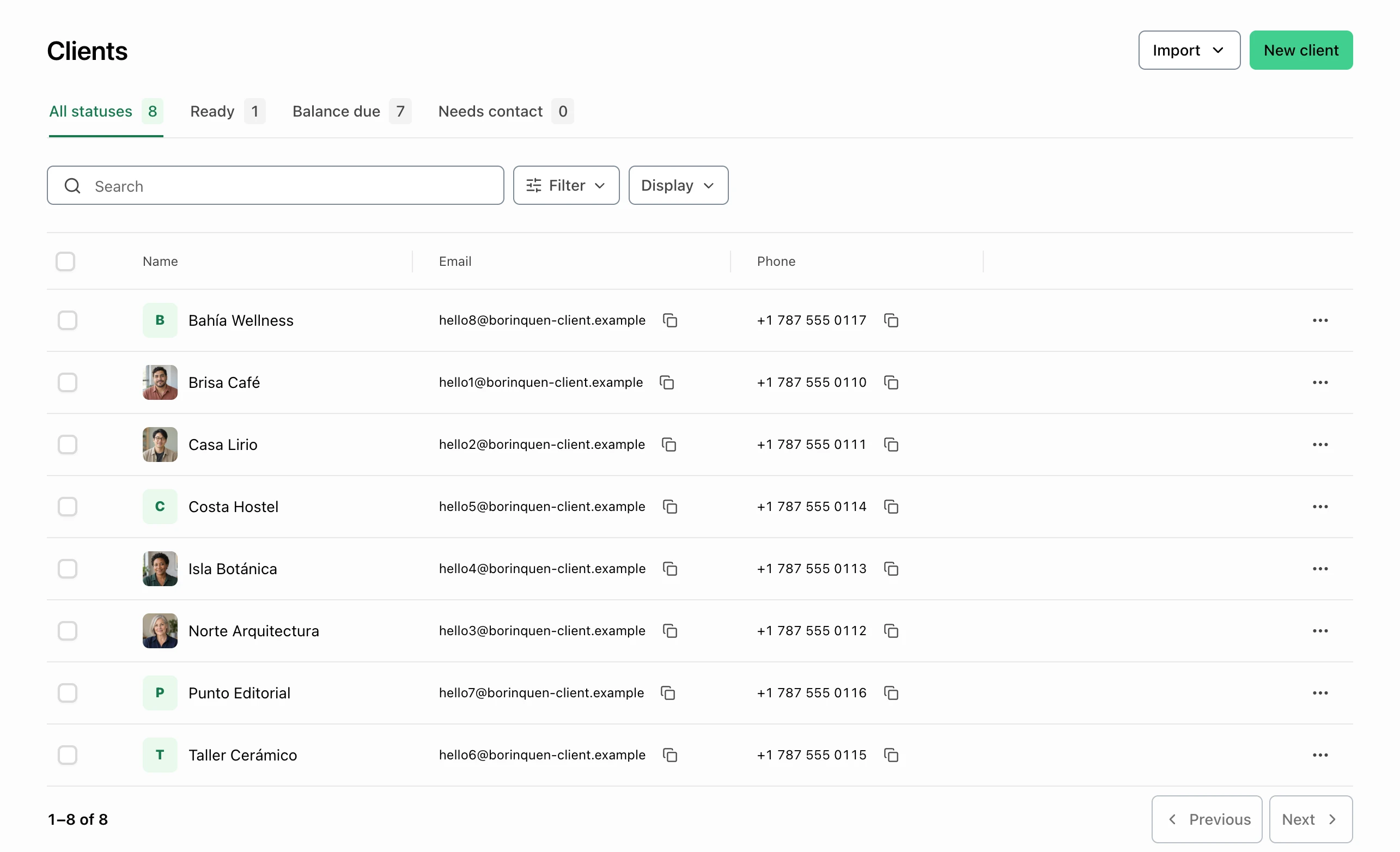
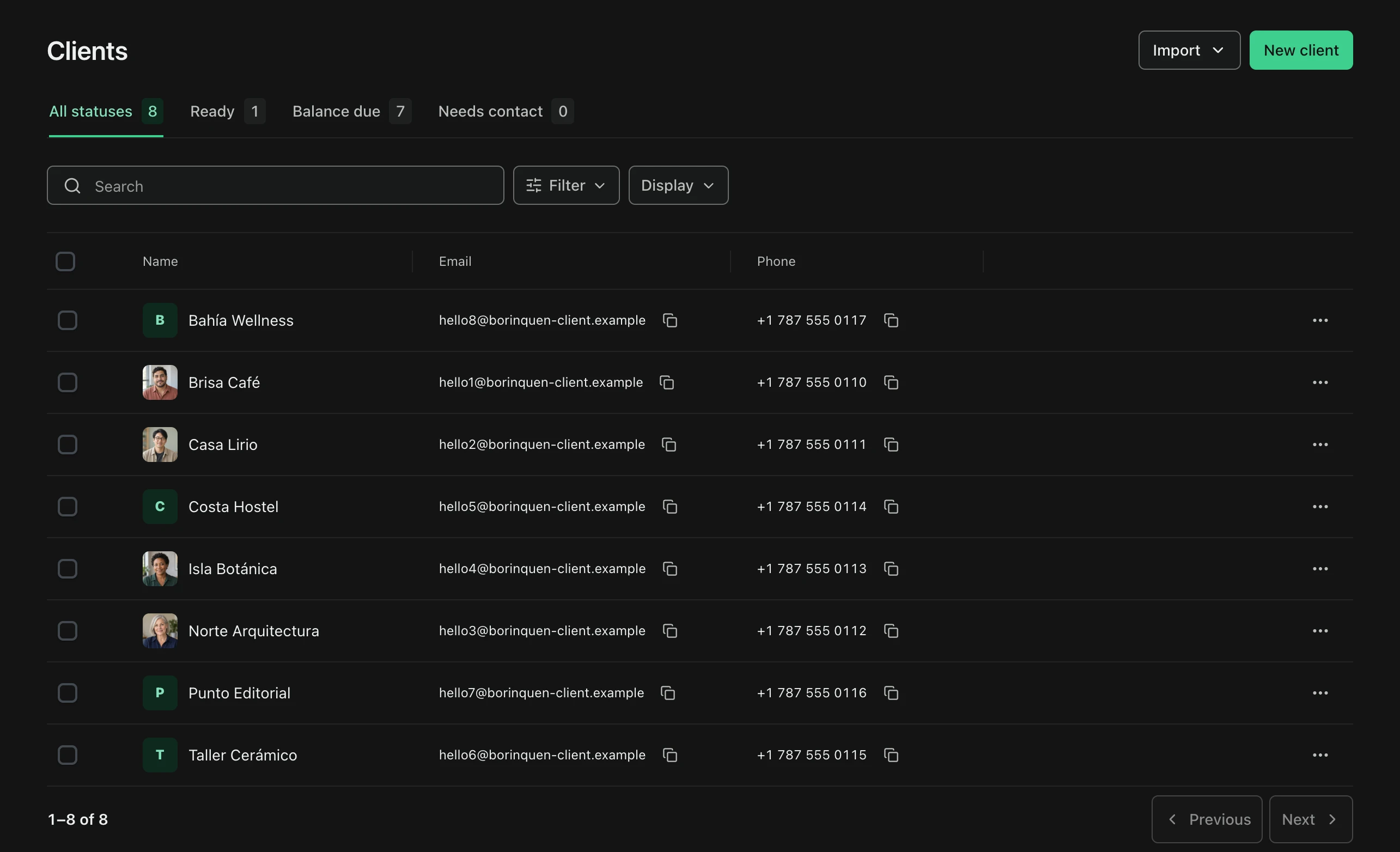
Find the client’s email and phone before confirming a regular visit or extra work directly. Account statuses help you organize billing follow-up.
- Customer contact details
- Account status
Cleaning business invoicing
Keep regular visits and agreed add-ons distinct, then track deposits and balances with each customer’s invoice.

The service contacts
Find the client’s email and phone before confirming a regular visit or extra work directly. Account statuses help you organize billing follow-up.
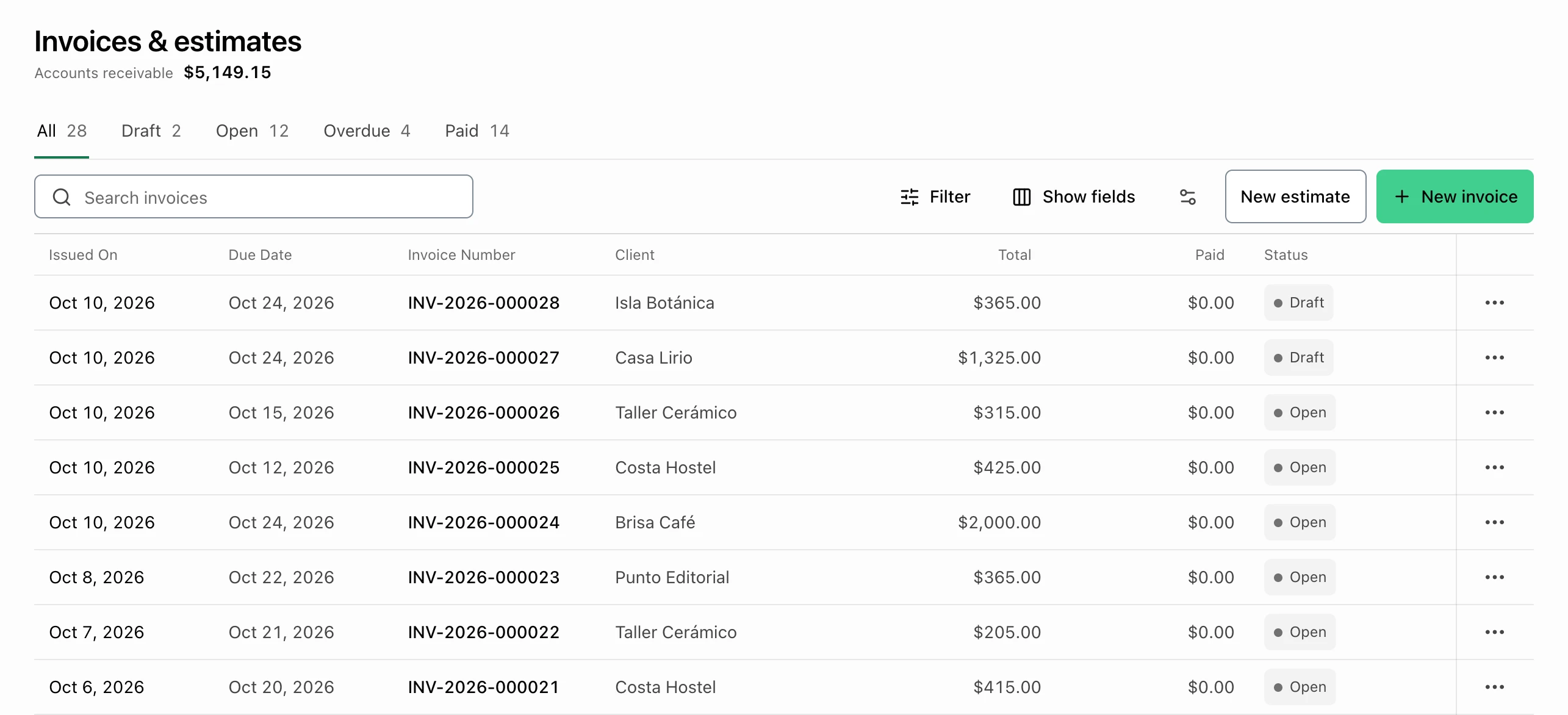
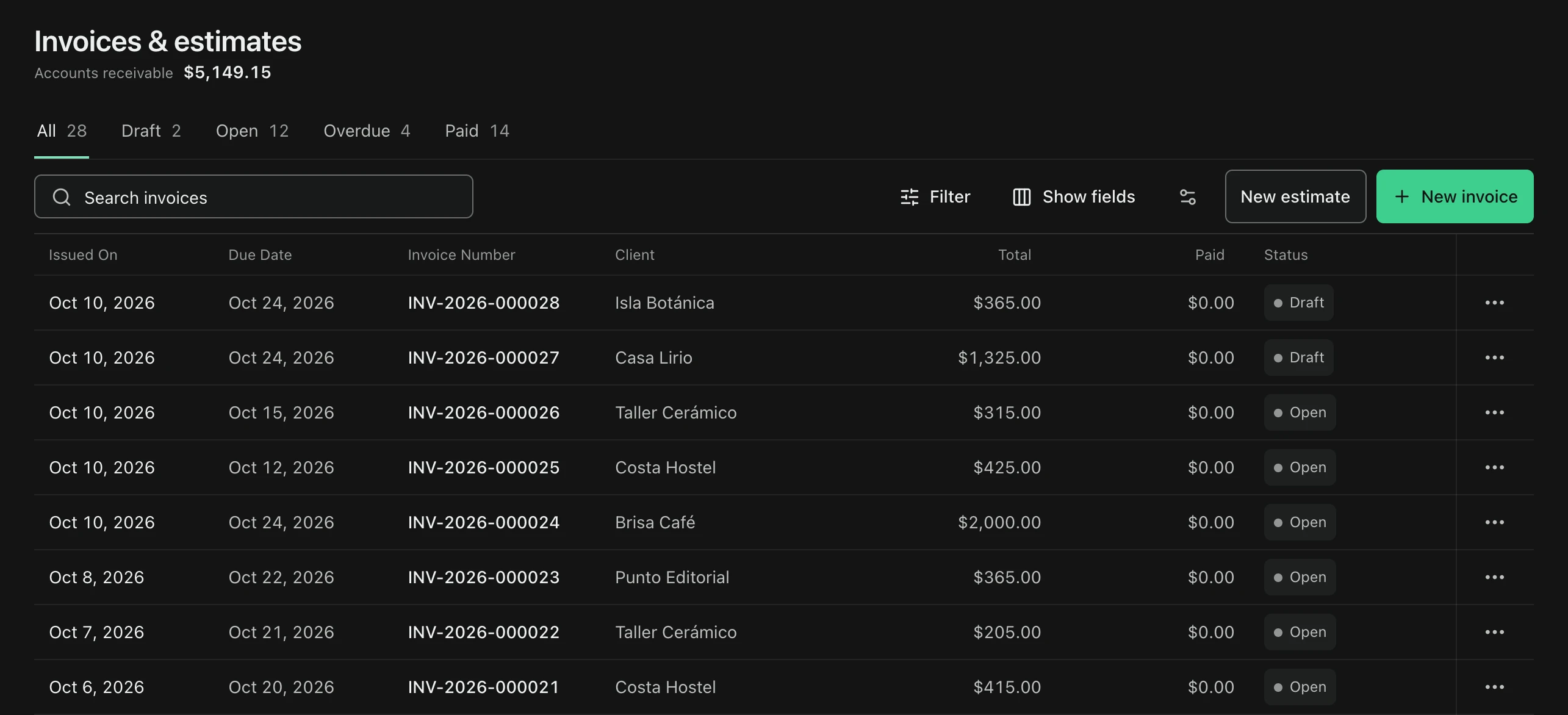
The invoice list
Compare invoice totals, paid amounts, and statuses. Record money only after receiving it; a manual record does not charge or verify an external transfer.
Keep it clear
Cleaning scope
Visits and add-ons
Deposits and balances
For this kind of work
Plans, payments, and country-specific details.
Yes. Create an invoice for the billing period and use service descriptions and quantities to identify the visits included. Save common cleaning services for reuse. An invoice or a manual payment entry does not, by itself, arrange future visits or charge a customer's card.
Yes. Use separate service lines for the regular clean, deep-clean work, and agreed extras. Review the estimate with your customer, then convert an eligible estimate into a draft invoice without re-entering its line items and totals.
Yes. Record a payment received against the invoice, including its amount, date, and method, and keep the remaining balance for follow-up. Your business is responsible for confirming payments collected outside FacturaOS; a manual record does not verify an external transfer.
FacturaOS supports English and Spanish. Confirm that your operating country is available during account setup; each business uses one operating country at a time. Tax settings, invoice formats, and connected payment options depend on that market and your account configuration. Confirm the requirements for your business with your accountant.
Cleaning business invoicing
Bring the next customer, invoice, and payment record together.