


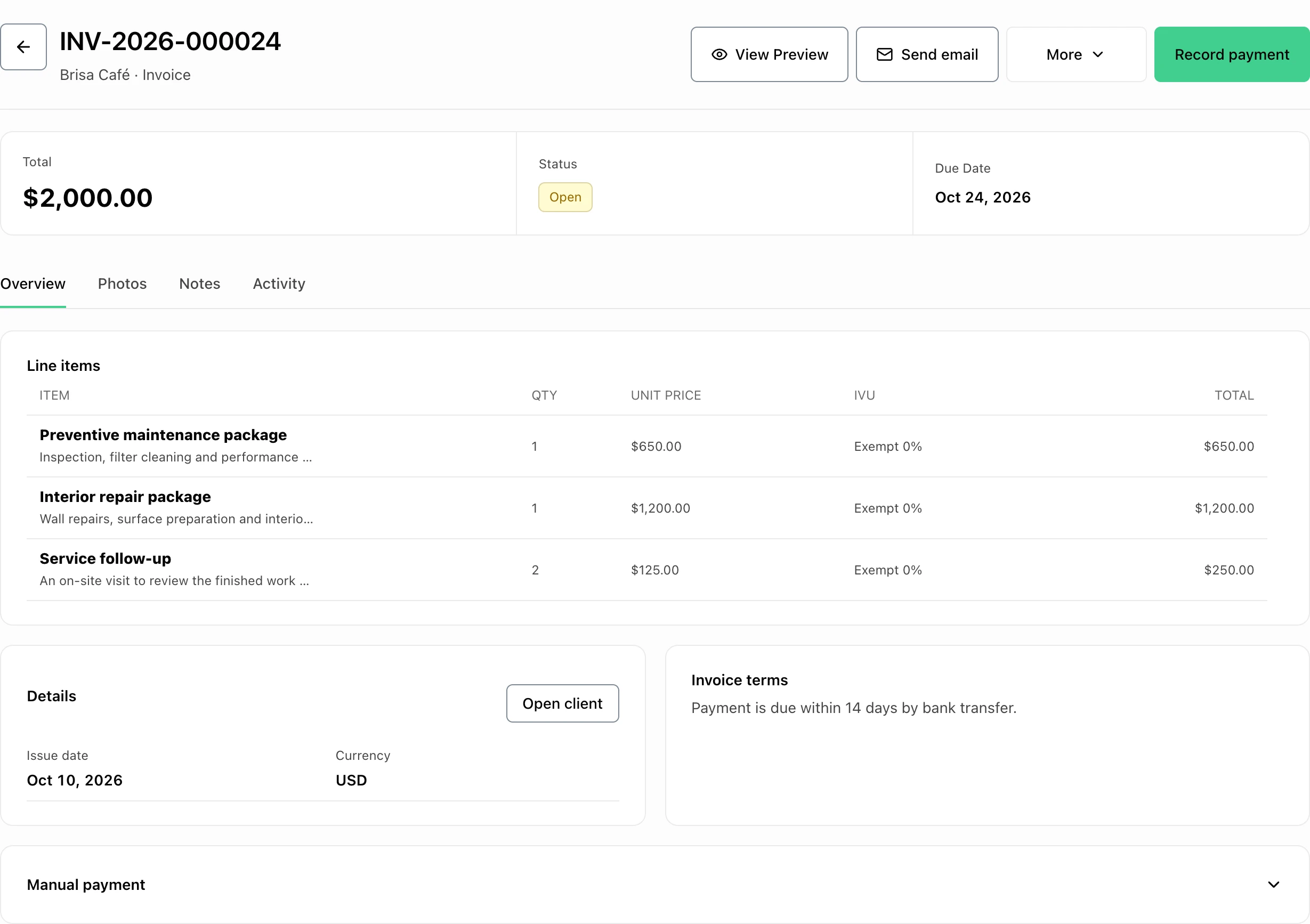
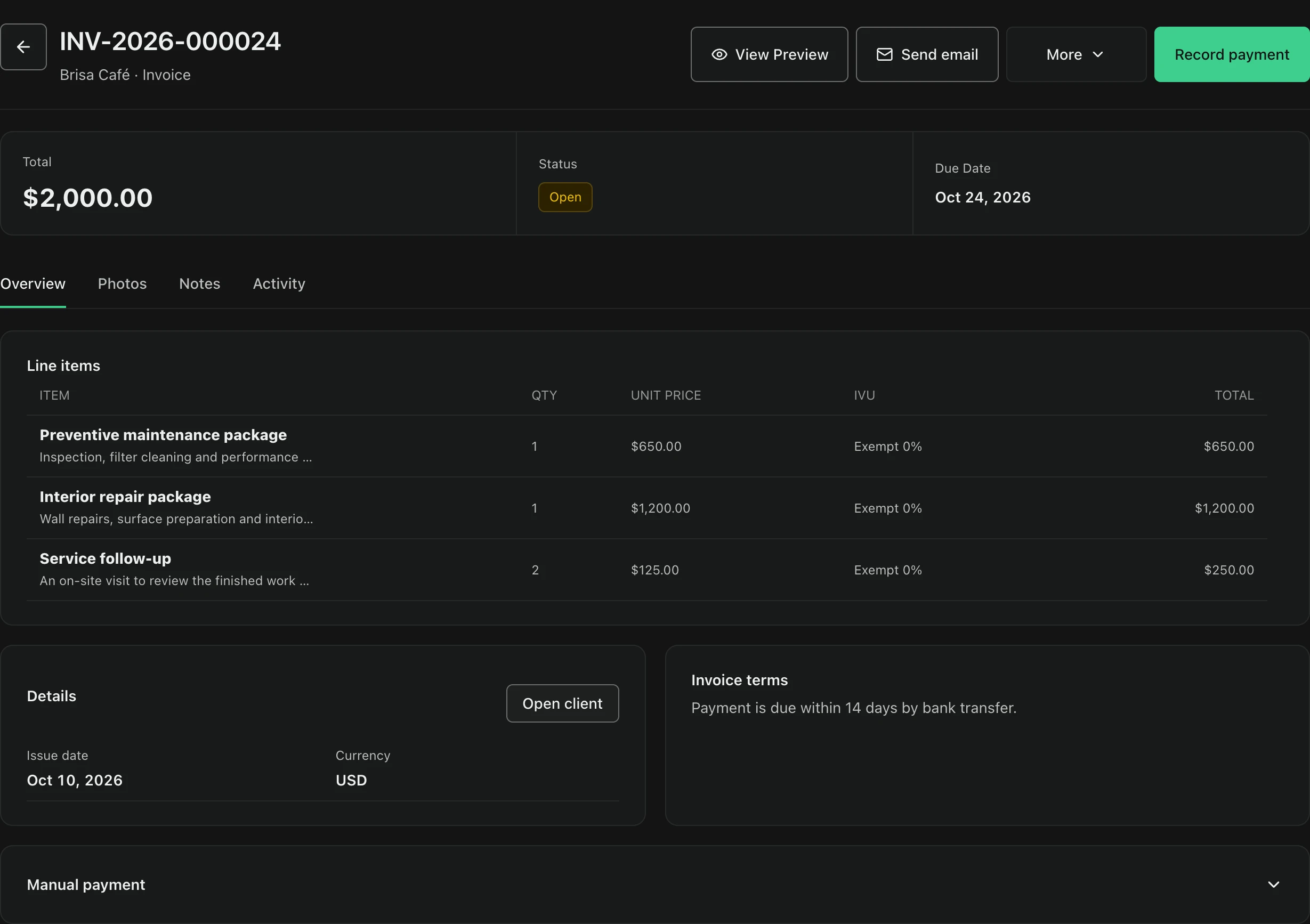
Set the business and client context first
An IVU-ready invoice starts before the first line item. Confirm the legal business information you intend to show, keep Puerto Rico as the active operating market, and select the correct client. FacturaOS requires business information before invoice creation; a logo is optional and falls back to the FacturaOS mark. Your advisor should confirm which registration details belong on the final document.
- Business name and contact details
- Puerto Rico operating market
- Correct client record
- Optional business logo
Make the tax treatment visible on every line
Keep products and services on separate, readable lines whenever their tax treatment or business purpose differs. The invoice editor records a description, quantity, unit price, and tax choice per line. In the Puerto Rico setup, the available choices include regular IVU at 11.5%, the 4% special rate, and exempt at 0%. Those choices make the record explicit; they do not decide which rate legally applies to a transaction.
- Specific product or service description
- Quantity and unit price
- Regular IVU 11.5% choice
- Special 4% or exempt 0% choice
Separate when you billed, served, and expect payment
Use the invoice date and due date for different purposes, and add the optional service date when the work happened on another day. Keep the currency in USD for the Puerto Rico workspace. The payment-method field can record cash, ATH Móvil, or another method, while invoice terms give the customer the context needed to understand when and how payment is expected.
- Invoice date
- Due date
- Optional service date
- Cash, ATH Móvil, or other method
Treat invoice status as part of the record
Save a draft while information is incomplete; create the invoice only after the client, lines, dates, and totals are ready. Then use the invoice register to distinguish draft, open, overdue, and paid records. A consistent status is essential for later collections and reporting. Do not delete or relabel a transaction merely to make a monthly total look cleaner—document the real correction path with your advisor.
- Draft before issue
- Open after issue
- Overdue after the due date
- Paid after confirmed payment
Review the period before using a workpaper
At period end, review the invoice register before generating a report. FacturaOS includes Invoice performance, Sales and collections, and Exports views. PyME access also includes Puerto Rico workpapers for PM-IVU/SURI and municipal patent review. The workpapers organize data for review and exclude drafts, voided invoices, and estimates; they are not official returns and FacturaOS does not transmit them to Hacienda or a municipality.
- Invoice performance
- Sales and collections
- Exports for supporting detail
- PyME Puerto Rico workpapers
Verify the filing channel instead of assuming it
Puerto Rico filing procedures can change independently of your invoice software. Hacienda announced that municipal IVU filing and payment would be integrated into SURI for 73 participating municipalities, while five municipalities would retain their own processes. Check the current Hacienda notice and your municipality before filing. FacturaOS can keep the operational record organized, but the official portal and applicable instructions control the filing step.
- Confirm whether the municipality participates
- Follow the current Hacienda or municipal instructions
- Reconcile the filing period to reviewed records
- Keep proof of the official submission separately
Hand off a traceable record, not a guessed return
Before handing records to an accountant, compare totals to confirmed collections and document any timing differences, refunds, voids, or exempt lines. Export the supporting detail and keep the same date range across every report. This creates a cleaner conversation with the advisor. It does not replace their determination of taxability, filing frequency, exemptions, credits, or amendments.
- One consistent reporting period
- Confirmed payment notes
- Documented exceptions and corrections
- Supporting exports and workpapers