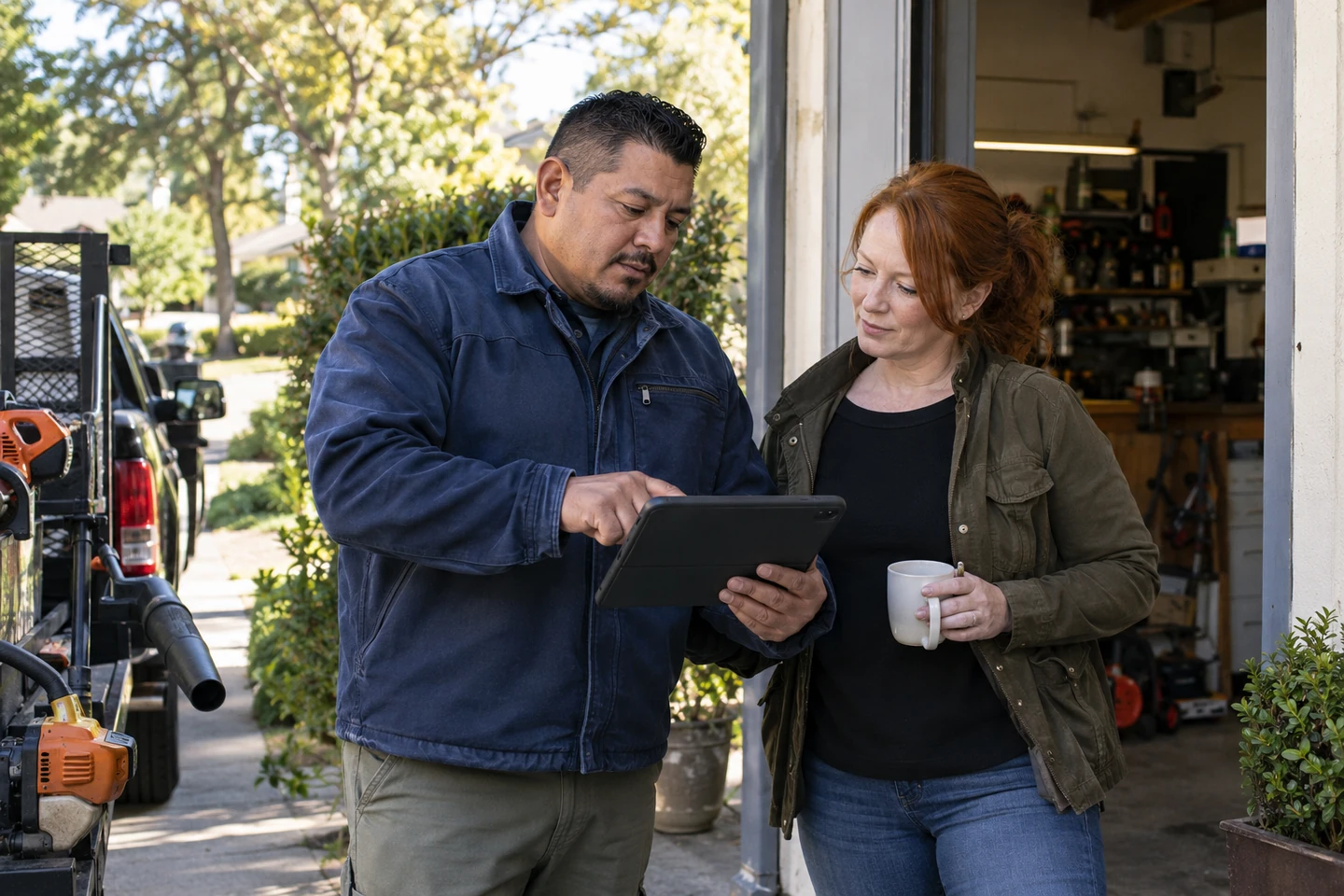
Miami service businesses
Bilingual from the first quote to the invoice.
Keep the customer, estimate, invoice, and follow-up available in English or Spanish, without retyping the same details.
Start with FacturaOS

U.S. service business guide
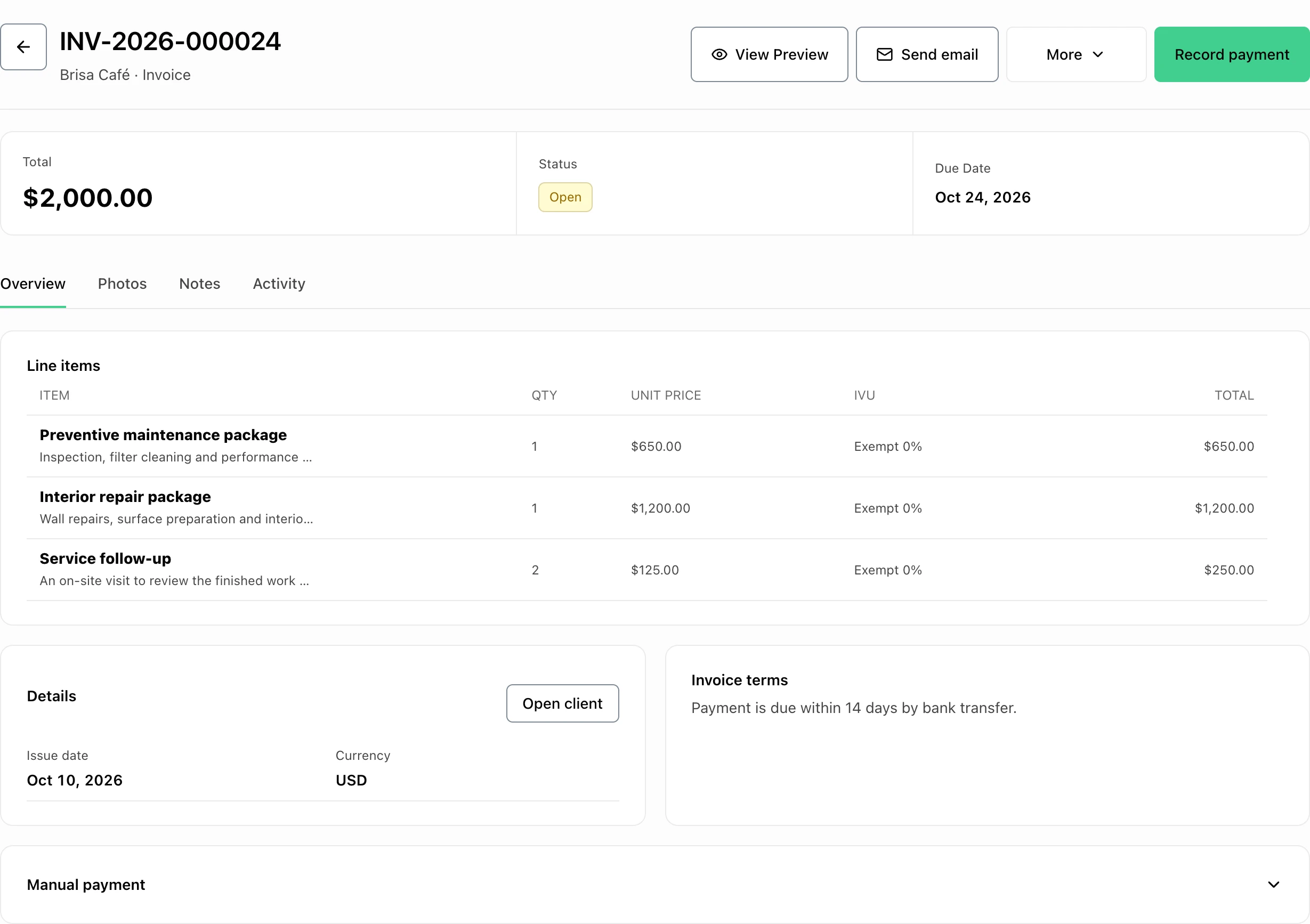
Prepare estimates and invoices in USD, keep customer addresses and service details together, and record payments. Work in English or Spanish from the first quote to the remaining balance.
Eligible new accounts: try your selected plan for 7 days. Add a card at final setup. Cancel before the trial ends to avoid the renewal charge.
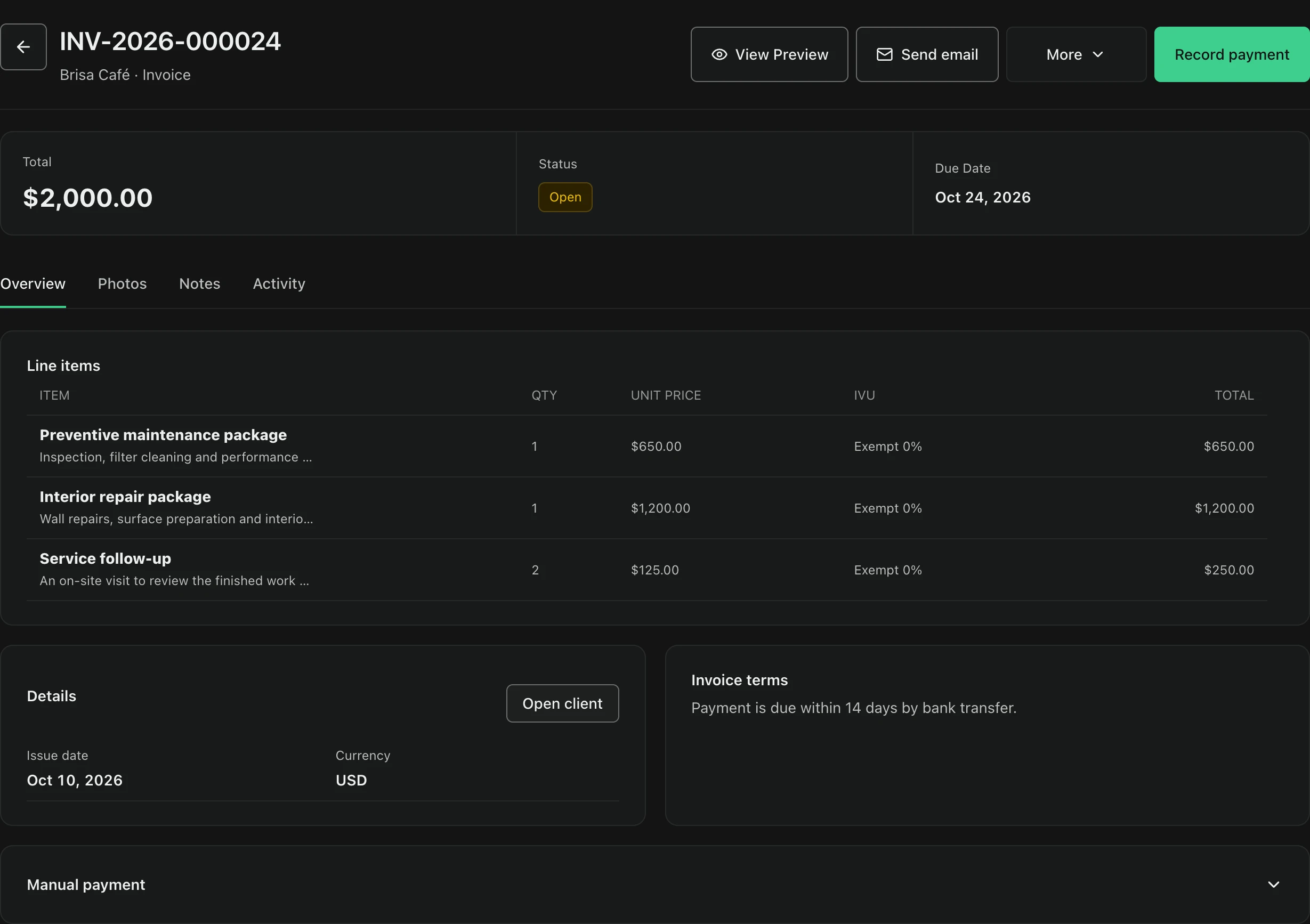
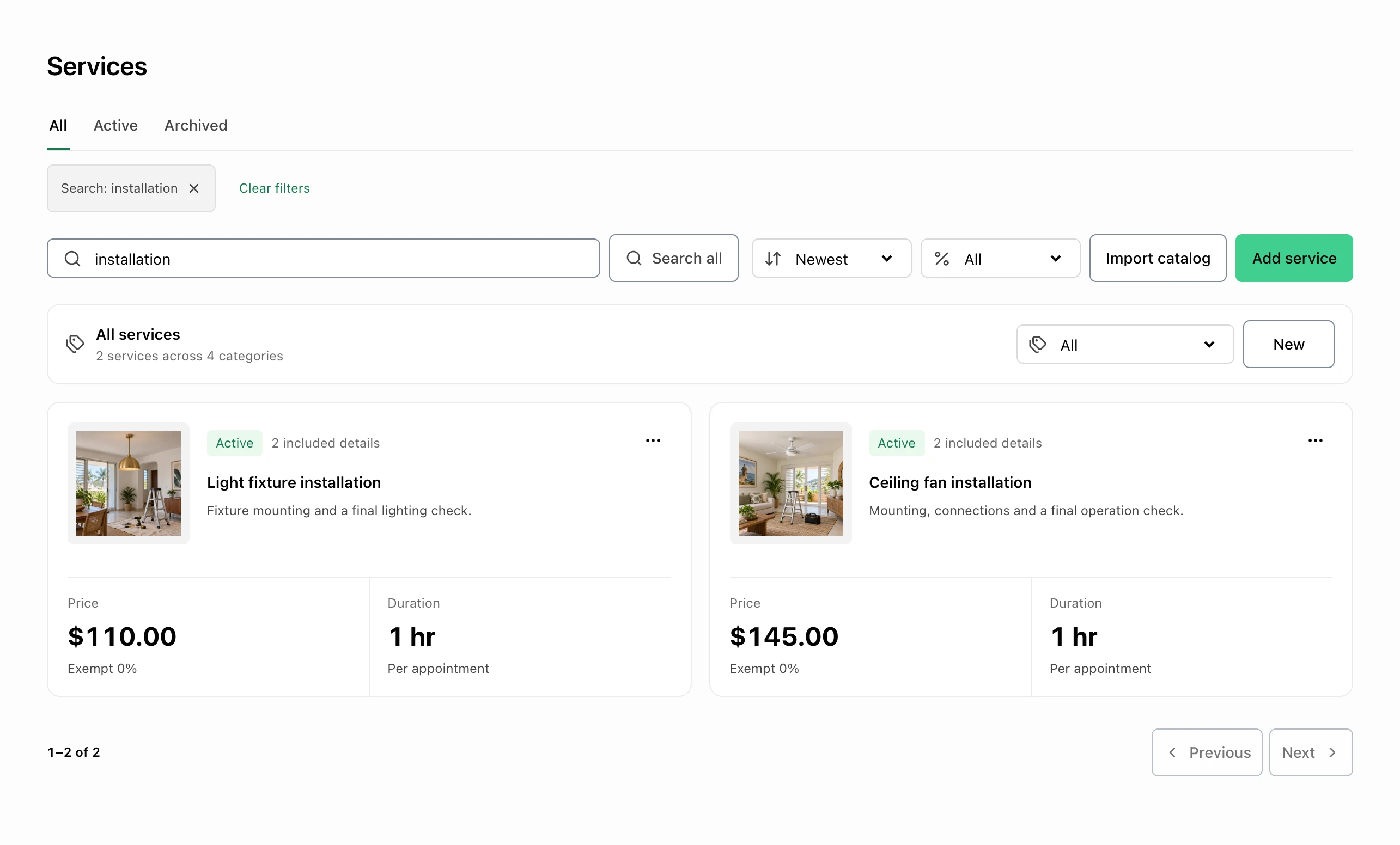
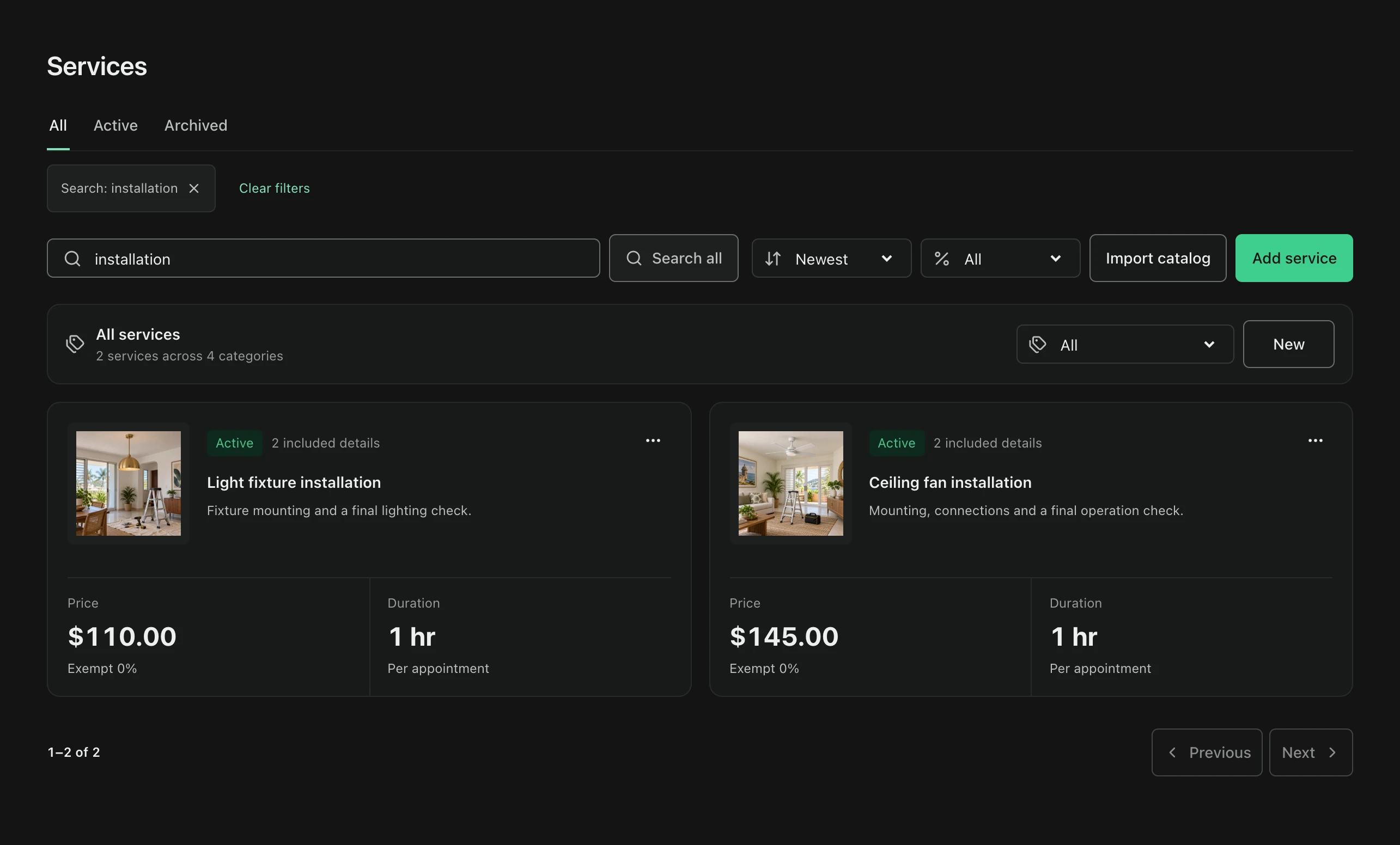
Real product view from a Puerto Rico workspace. Currency, addresses, and taxes depend on your selected country.
Built for the service day
Keep customer details, saved services, invoices, and payment records together. Plan routes from client locations on Pro and PyME.
Miami service businesses
Keep the customer, estimate, invoice, and follow-up available in English or Spanish, without retyping the same details.
Start with FacturaOSTexas field teams
Save client addresses, plan route days on Pro or PyME, and invoice with the customer history at hand.
Start with FacturaOSU.S. sales tax is entered manually in FacturaOS. Confirm the rate and treatment that apply to your work with a qualified advisor.
One connected service day
Keep client details, service addresses, reusable services, invoices, and payment records in one workspace. Pro and PyME teams can plan routes from saved client locations.
Market boundary
Your account works in one country at a time, so invoices, taxes, and records always match where you operate.
Daily operating path
Start with the customer, move the work forward, and leave the next action obvious.
Photographers
Quote preparation, photography, editing, and delivery separately. Keep the agreed usage terms, client details, and recorded payments with the invoice.
Junk removal businesses
Save the pickup address and quote items, labor, and extra charges. Review quantities and USD prices before converting an eligible estimate into a linked draft invoice.
Cleaning businesses
Save the address, rooms, tasks, and visit date. Reuse cleaning services and convert eligible estimates into linked draft invoices.
HVAC businesses
Quote diagnosis, labor, and parts separately. Review quantities and USD prices, then keep the due date and payment record with the client.
Landscaping businesses
Reuse mowing, trimming, or mulch services. Adjust the quantity, price, and description for each property.
U.S. setup
The U.S. profile uses USD, state, and ZIP fields. Add tax rates manually in Catalog and select them per invoice line. FacturaOS applies your rates; it does not determine local obligations or file U.S. returns.
Payment follow-up
Record payments and review open or overdue balances. Use the service date, due date, and customer history when following up.
U.S. territories
Puerto Rico has separate IVU treatments and plan-specific workpapers. U.S. Virgin Islands has island addresses and manual taxes. Guam, American Samoa, and Northern Mariana Islands have no dedicated selectable profiles. Confirm current choices at setup.
FacturaOS
Reuse your service descriptions and prices, then tailor the scope and quantity to each customer.
Puerto Rico product example; apply your own country's settings.
For the daily work
Start with the tool closest to the problem you want solved today.
United States
Country workflows
Compare the client, estimate, invoice, and payment workflow with the country settings your business needs. Every guide is available in English and Spanish.
Explore U.S. service invoicing, Puerto Rico's local reporting, and the U.S. Virgin Islands profile. These are separate operating settings, even when a business invoices in USD.
Start with the regional checklist, then review the guide for your country. Currency, address details, tax treatment, and professional reporting requirements need their own review.
Puerto Rico is the default market. Confirm the countries currently offered during account setup; each business account uses one operating country. Regional guides do not imply local tax filing or support for every country or U.S. territory.
What owners ask before getting started.
No. Puerto Rico and the U.S. Virgin Islands have separate profiles. Guam, American Samoa, and the Northern Mariana Islands do not currently have dedicated selectable profiles. Review the country choices offered at setup and the regional guide before creating business records.
FacturaOS includes a U.S. operating profile with USD, state and ZIP code address fields, and manual sales tax rates. Confirm that the United States is available in the operating-country choices when setting up your business account.
Yes. The interface and document labels are available in English and Spanish. Use your client's preferred language for the service descriptions and terms you write, and carry eligible estimates into linked draft invoices.
A cleaning business can reuse a service description for each visit. An HVAC business can separate diagnostic, labor, and parts charges. A landscaping business can reuse catalog services and adjust quantities for each property. Each workflow keeps the client, estimate, invoice, and payment records together.
No. Add and select U.S. sales tax rates manually. FacturaOS calculates invoice tax from the rates entered, but does not determine which jurisdiction, rate, or exemption applies. Confirm those decisions with your tax advisor before invoicing.
No. FacturaOS organizes estimates, invoices, payments, and reports. It does not submit U.S. tax filings or guarantee federal, state, or local compliance. Review your records and obligations with your professional advisor.
Country pages describe what FacturaOS supports, not tax, legal, accounting, licensing, or regulatory advice. Confirm current local requirements with qualified advisors before relying on a process or document format.
United States
Open your business account, select the operating country, and begin with the next real customer.