
Built for service days

Ready for the next grooming stop.

Keep grooming packages and prices ready, then organize the route for a day of customer visits.

  • Customer contact details
  • Account status
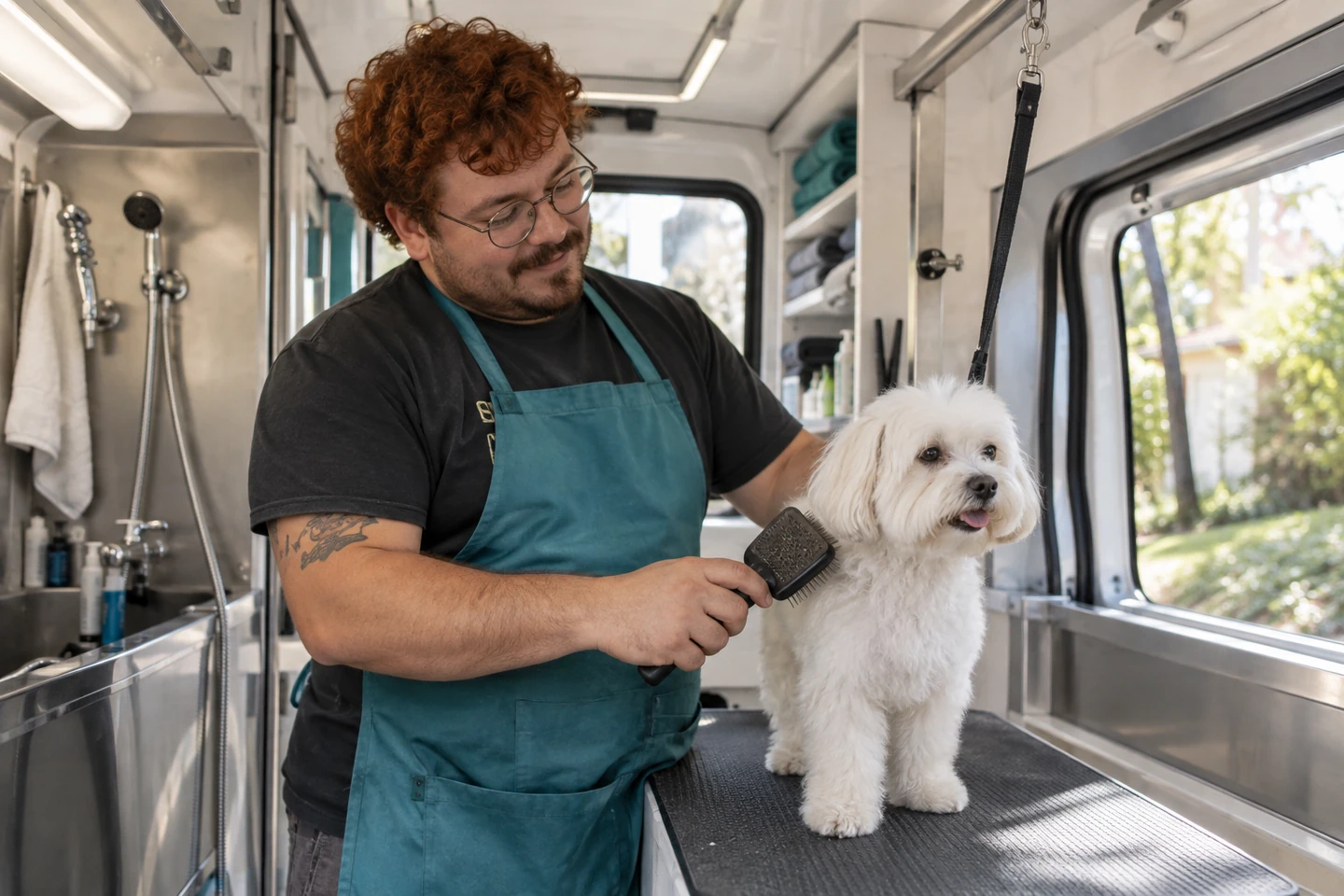
Illustrative scene of a grooming professional caring for a dog in a mobile studio.

The right service at the next stop.

01

The customer contacts

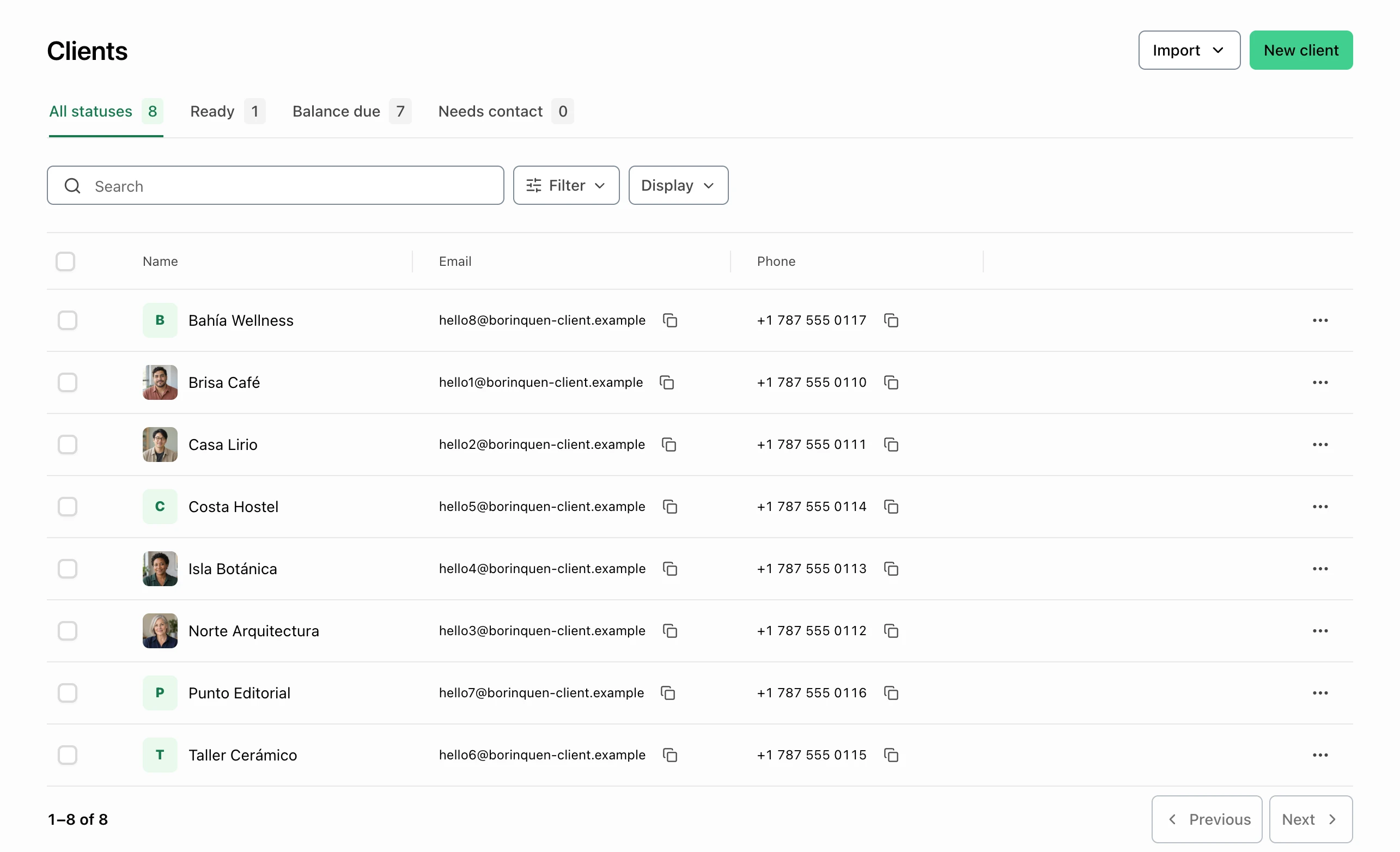
Reach the customer before the grooming visit.

Find the client’s email or phone in the list before confirming the pet’s service directly. Account statuses help you review billing follow-up.

  • Customer contact details
  • Account status
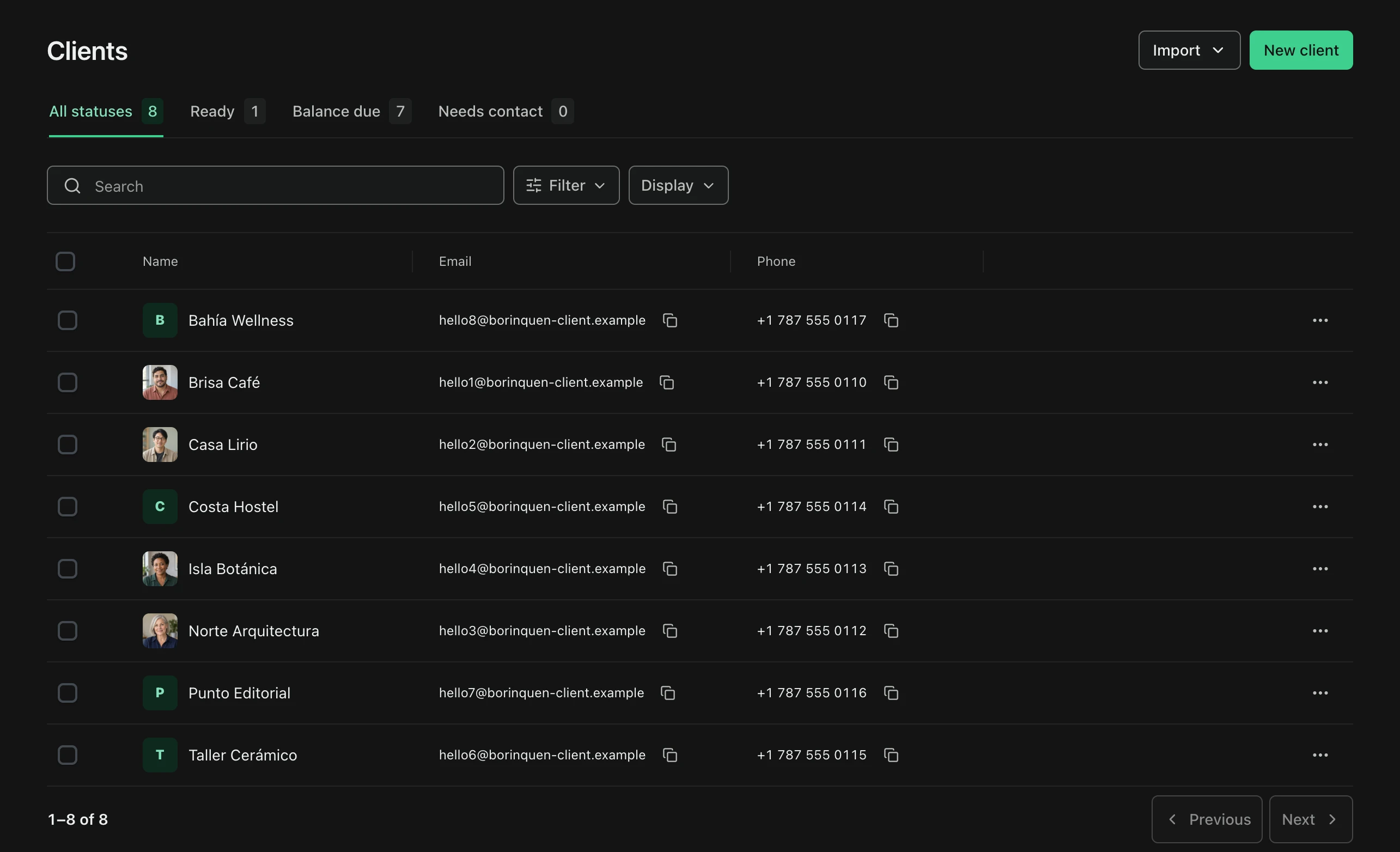
FacturaOS client list with names, emails, phones, and account-status filters.FacturaOS client list with names, emails, phones, and account-status filters.
02

The visiting day

Put the stops in order.

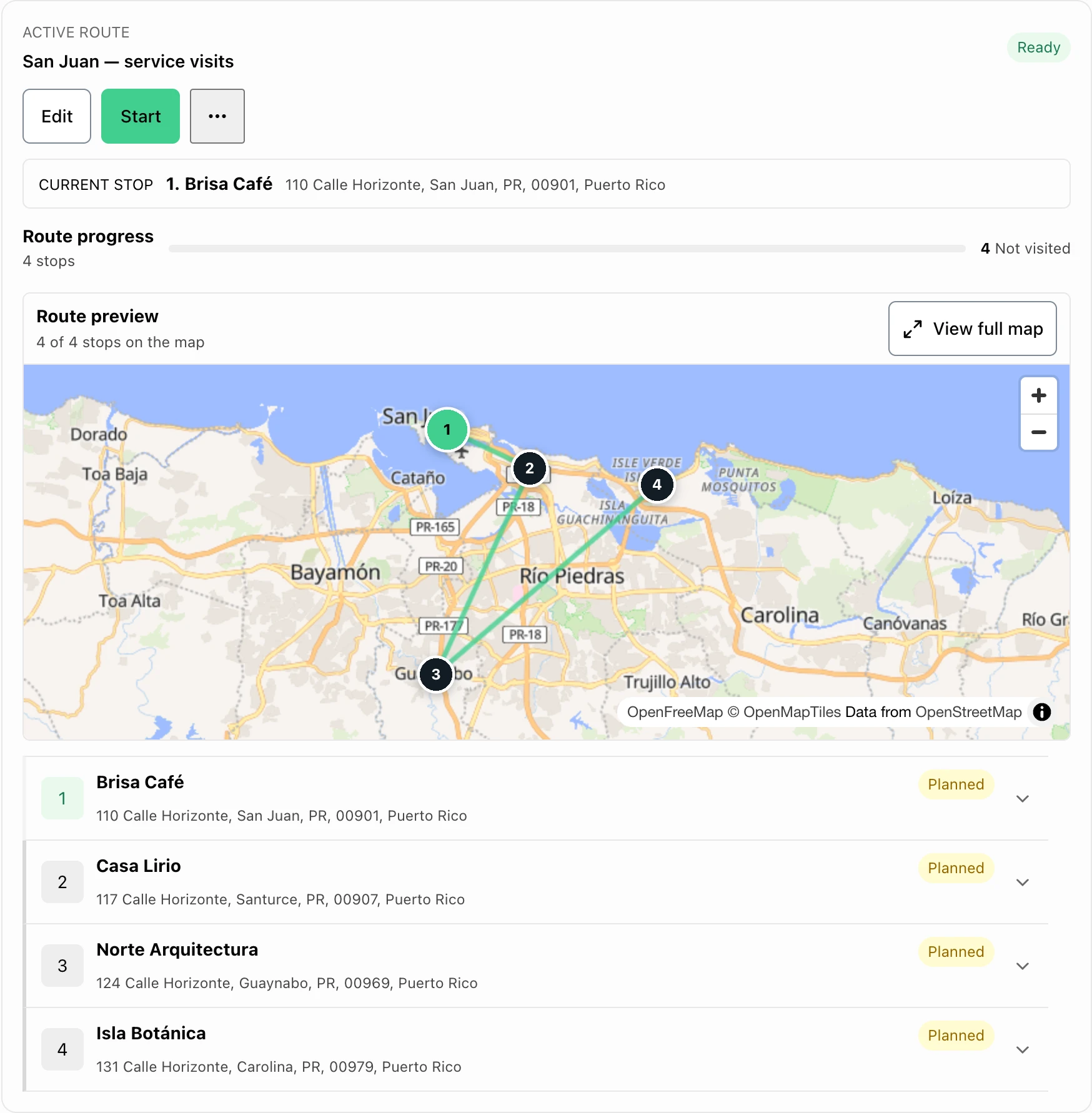
Arrange saved stops on a route and track progress. Confirm appointment times and access directly with each customer.

  • Saved service stops
  • Route progress
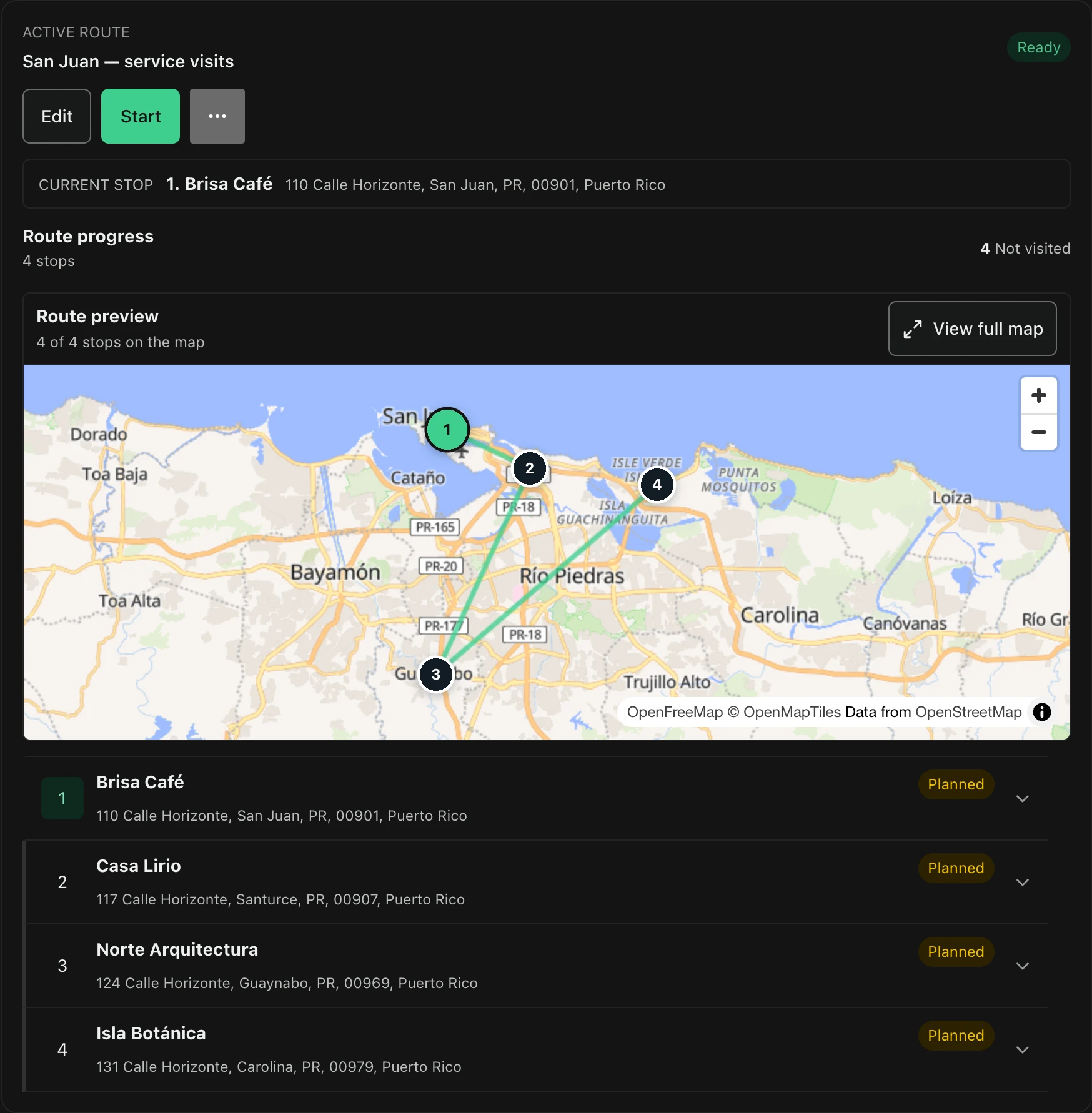
FacturaOS route planner with saved stops, progress, and a Puerto Rico map.FacturaOS route planner with saved stops, progress, and a Puerto Rico map.

Keep it clear

A useful view of the work.

01Start

Individual

02Daily rhythm

Pro

03More control

PyME

For this kind of work

Explore the tools.

Before you get started

Plans, payments, and country-specific details.

Can I use FacturaOS outside Puerto Rico?

FacturaOS has country-specific workflows, but the countries you can select are controlled during account setup and can change. Check the current options before relying on a local workflow. Each business account uses one operating country at a time.

Do I need to change my whole process first?

No. Start with clients, estimates, invoices, and payment follow-up. Add routes, suppliers, templates, reports, or team roles only when they make the work easier.

Built for service days

Bring your next job into focus.

Bring the next customer, invoice, and payment record together.

Start with FacturaOS