

Operational guide

Keep suppliers and material spend next to the job

Keep supplier records, purchases, receipts, and material spend close to the job that caused them.

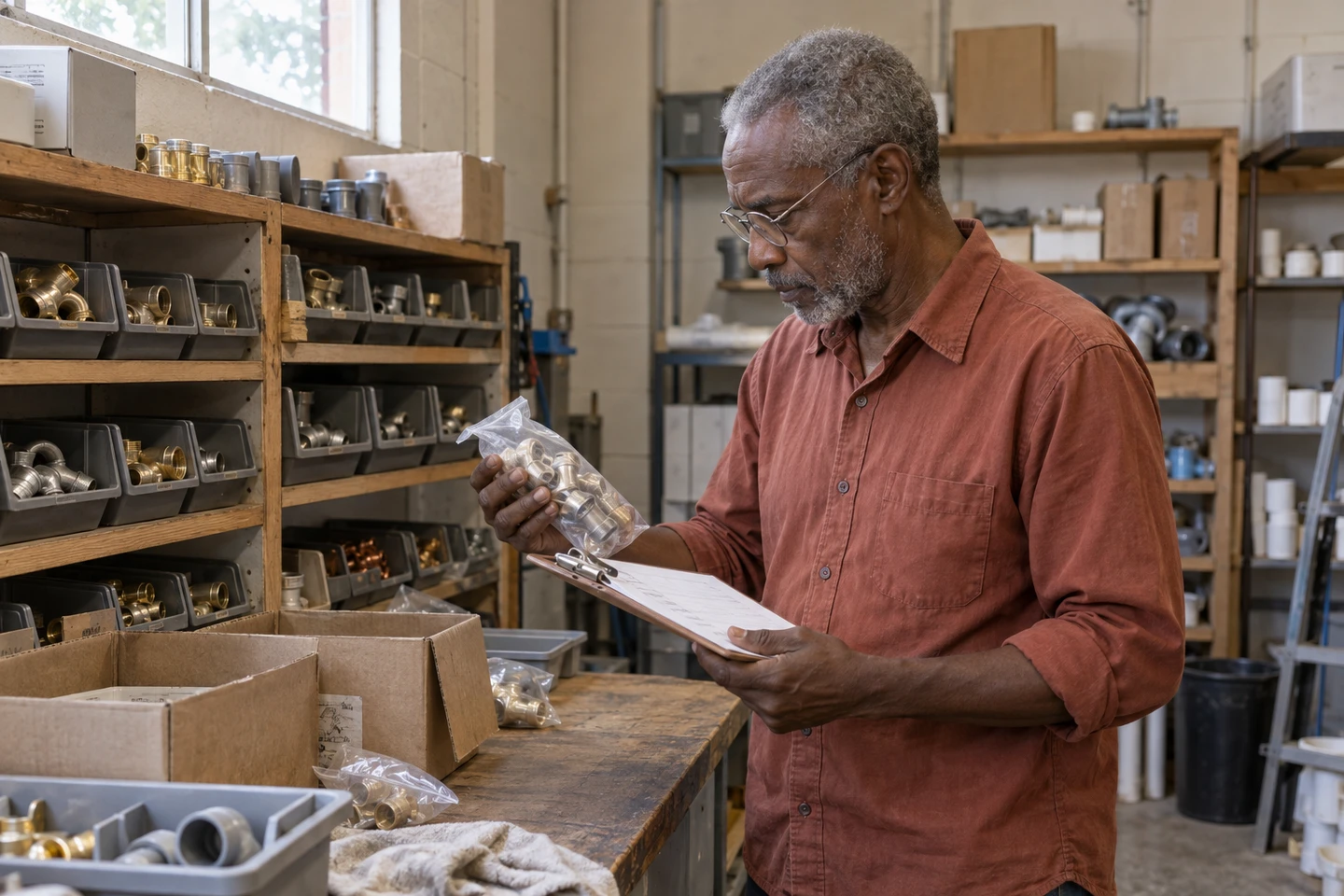
Illustrative scene of a shop owner checking supplies for upcoming work.
Step 1 · Visibility

Material spend should not disappear after the receipt

When material costs sit far from invoices, margin gets blurry. Keep supplier records near the work that created the purchase.

  • Supplier name
  • Receipt
  • Order status
  • Related job
Step 2 · Purchase status

Use order status to keep purchases moving

Use order status to see what was requested, ordered, received, paid, or cancelled without opening every supplier one by one.

  • Open
  • Ordered
  • Received
  • Paid
  • Cancelled
FacturaOS

Tools for this guide

Keep the next action with the original record.

FAQ

Common questions

Is supplier tracking only for large businesses?

No. Even solo owners benefit when paint, parts, rentals, and receipts stay connected to the work.

FacturaOS

Put the next step into practice.

Start with one client and the work you need to organize.

Start with FacturaOS