Operational guide

Plan service routes from the same client list

Turn saved clients into a route day you can review, share, and open in maps.

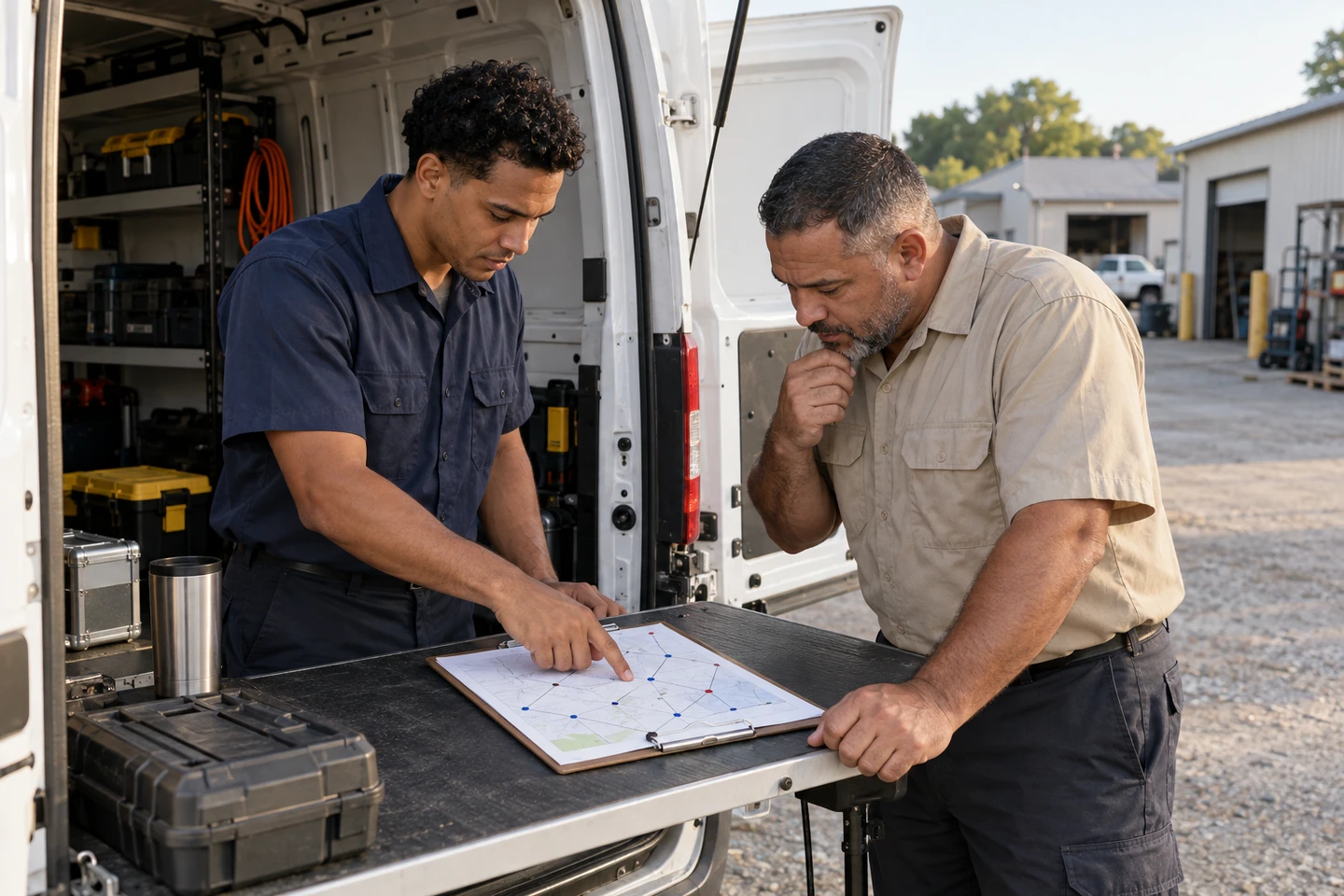
Illustrative scene of a service crew reviewing the stops for a field day.
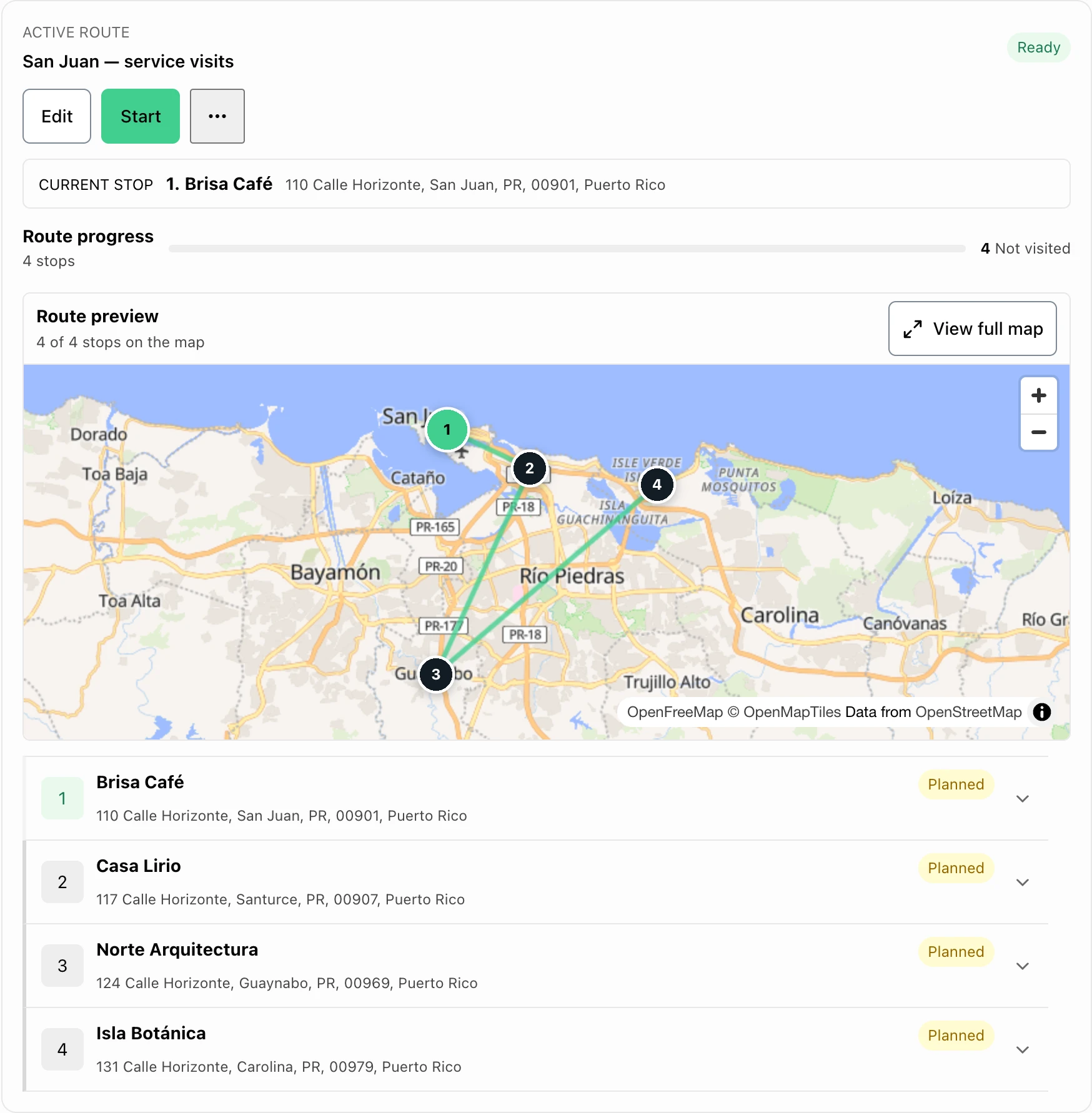
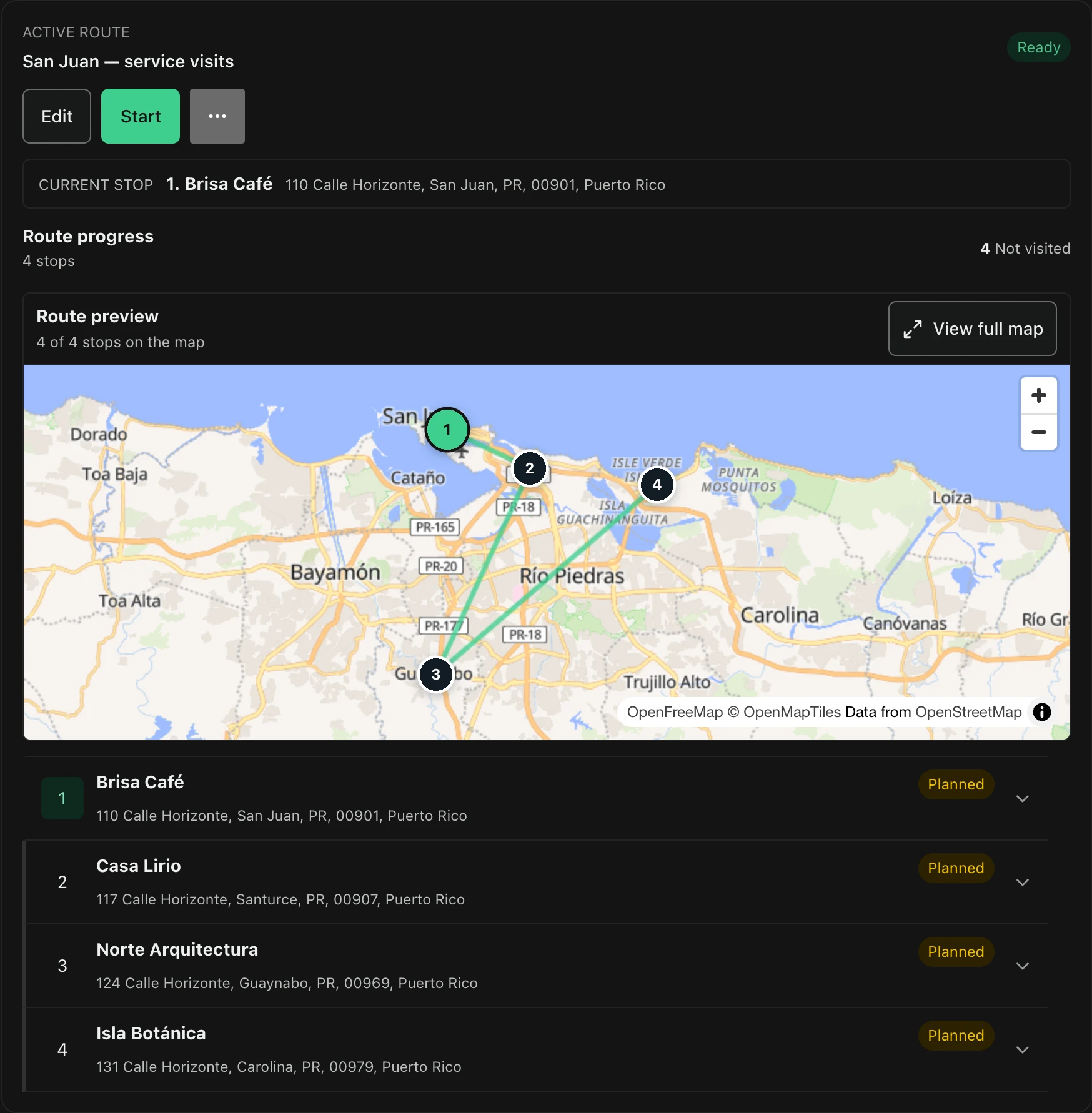
FacturaOS route planner with saved stops, progress, and a map.FacturaOS route planner with saved stops, progress, and a map.
Step 1 · Client-first

Use the client book as the route source

Start from a saved client, not a new text thread. The name, address, phone, notes, and invoice history stay together.

  • Client name
  • Location
  • Phone
  • Recent invoices
Step 2 · Review

Check the route before opening maps

Before leaving, check unmapped stops, duplicate addresses, and missing phone numbers.

  • Mapped stops
  • Need location
  • Ready clients
  • Directions
FacturaOS

Tools for this guide

Keep the next action with the original record.

FAQ

Common questions

Should route planning replace Google Maps?

No. FacturaOS organizes the route from client records, then hands off directions to Google Maps when the team is ready.

FacturaOS

Put the next step into practice.

Start with one client and the work you need to organize.

Start with FacturaOS