

Notes · Pro + PyME
Keep the details close to the work.
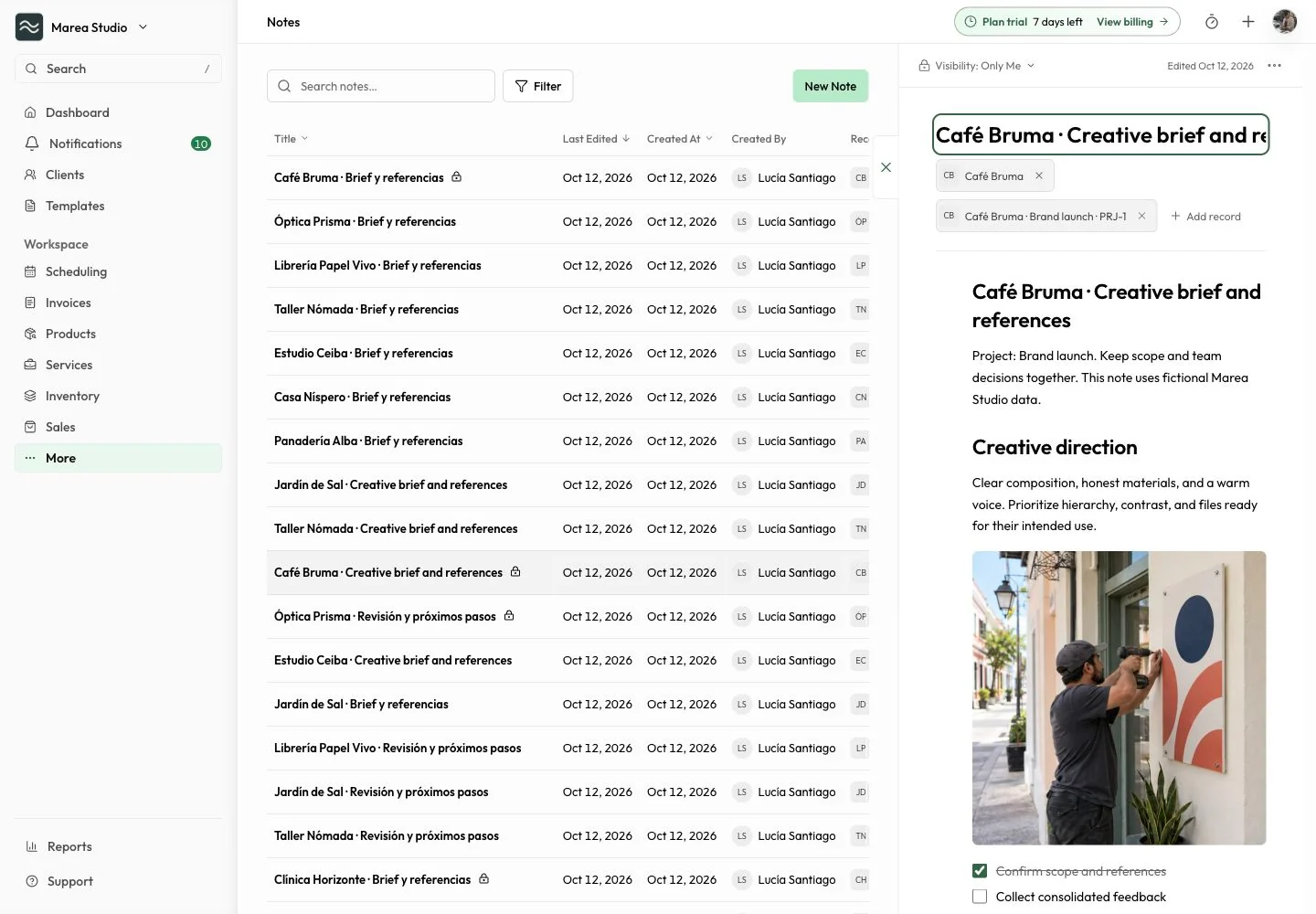
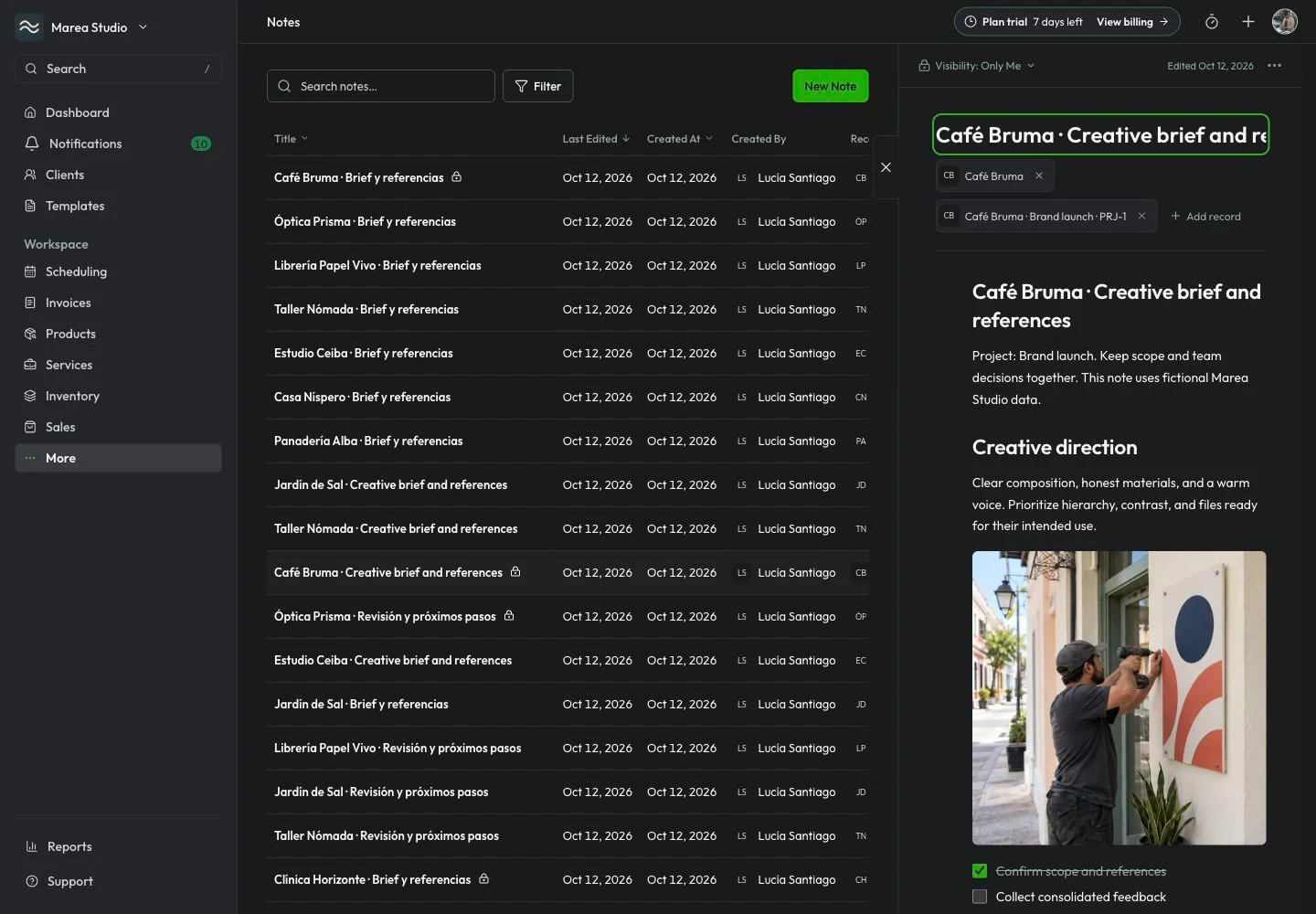
Write a useful note, choose who can see it, and link the records that give it context.
Plans: Pro and PyME
At a glance
What you can do
Formatted notes, checklists, tables, and images
Client, supplier, invoice, and project links
Search, filters, and creation/edit dates
From the first step to the next
A clearer way to work.
Write
Make the next detail easy to find.
Keep a meeting summary, production checklist, or useful idea in a formatted note. Add headings, lists, checklists, tables, uploaded images, or a YouTube video. Find the note again with search, record filters, and its creation or last-edited date.
- Formatting and checklists
- Tables and uploaded images
- YouTube embeds
- Search and date filters
Choose visibility
Share with the right people.
Use Only Me for a private note or All Team for a note available to authorized workspace members. Only its author and authorized organization editors can change a team note. A copied note link still requires organization access and the note's visibility permission.
- Creator-only private notes
- Authorized team access
- Role-aware team editing
- Access-controlled note links

Connect
Keep the note with its context.
Link an existing client, supplier, invoice, or project in the same workspace. Open project Notes beside the rest of the project work. Adding a project link preserves the note's visibility; supplier links remain subject to your plan and role.
- Client, supplier, and invoice records
- Linked project Notes
- Existing visibility preserved
- Plan and role access respected

Common questions
The details to help you get started.
Who can read a private note?
Only its creator can access an Only Me note. Linking it to a project, client, supplier, or invoice does not turn it into a team note. Copied links preserve the note's access rules.
Who can edit team Notes?
A team note can be read by authorized workspace members. Its author and authorized organization editors can change it. Workspace roles and the active Pro or PyME feature access still apply.
Can I link a note to more than one record?
Notes can link business records in the same workspace, including clients, suppliers, invoices, and a project. Supplier and project choices are limited to records your role and plan can access.
Does copying a note link make it public?
No. The person opening the link needs organization access and permission for that note's visibility. Only Me stays private, and All Team stays within authorized workspace access.
Notes · Pro + PyME
Ready for the next job?
Keep the next step connected to the work that matters.
Start with Mantuno