

Time Tracking · Pro + PyME
Know where the hours went.
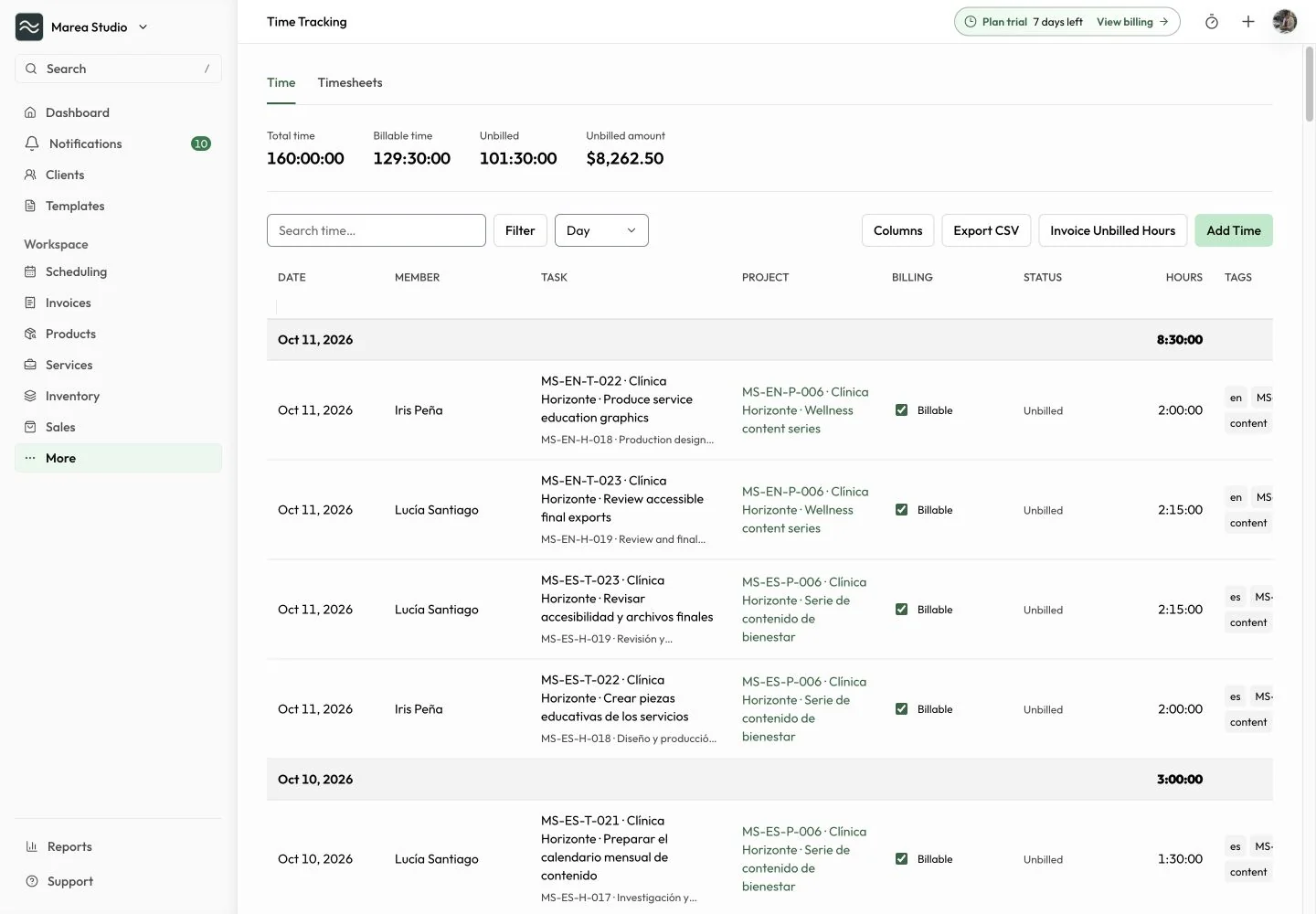
Record time, keep it connected to projects and tasks, and turn selected unbilled hours into a draft invoice.
Plans: Pro and PyME
At a glance
What you can do
Project, task, member, and billable context
Weekly timesheets and CSV exports
Selected unbilled hours to a draft invoice
From the first step to the next
A clearer way to work.
Record
Capture the work while it is fresh.
Start a timer, pause and resume it, or add time manually. Connect the entry to a project or task in the workspace, choose the team member, and add tags or notes. Mark billable work and set an hourly rate when you need it for invoicing.
- Start, pause, resume, and save
- Manual time entries
- Project and task links
- Billable status and hourly rate

Review
See a useful week of work.
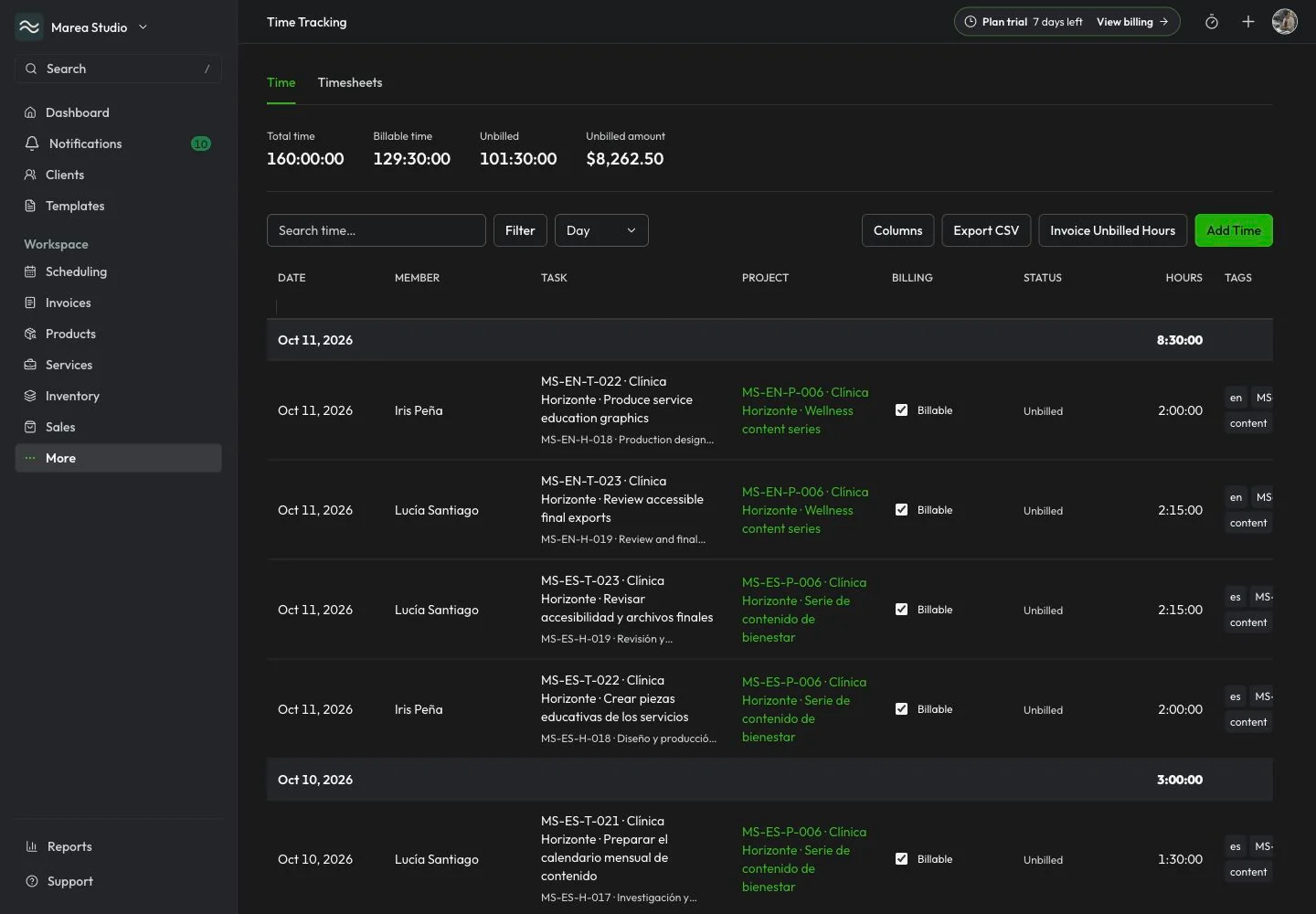
Review entries in the time register or weekly timesheets. Search, filter, and group the work by its available context, then export time to CSV. Authorized managers can lock a member's timesheet week to protect it from edits and unlock it when a correction is needed.
- Time register and weekly timesheets
- Search, filters, and grouping
- CSV export
- Manager timesheet locks
Invoice
Bring the right hours into billing.
Choose stopped, unbilled entries from a project that has a client and an hourly rate, then create a draft invoice. Choose invoice rounding while keeping the actual tracked duration intact. Open the linked invoice when you need to review the billing record.
- Select eligible unbilled entries
- Client-linked project context
- Draft invoice creation
- Tracked duration preserved

Common questions
The details to help you get started.
Which plans include Time Tracking?
Time Tracking is available on Pro and PyME SaaS web. Workspace roles determine who can manage entries and timesheets. Staff can edit their eligible own entries; billed, invoice-linked, running, or locked entries have additional protections.
Do I have to use the timer?
No. You can add a manual time entry or use the timer to start, pause, resume, and save work. Entries can include a project or task, billable status, hourly rate, tags, and notes.
Can I invoice every time entry?
Invoice creation uses selected stopped, unbilled project entries with a client and hourly rate. Complete the required business information first. The result is a draft invoice for review, rather than an automatic charge or payment.
Does rounding change the tracked duration?
No. Invoice rounding can round billable invoice time up to 1, 15, 30, or 60 minutes while preserving the original tracked duration. Selected entries stay linked to the resulting invoice.
Time Tracking · Pro + PyME
Ready for the next job?
Keep the next step connected to the work that matters.
Start with Mantuno