

Income
Keep income in view.
Log money you’ve received, review payments and balances, and find the documents you need.
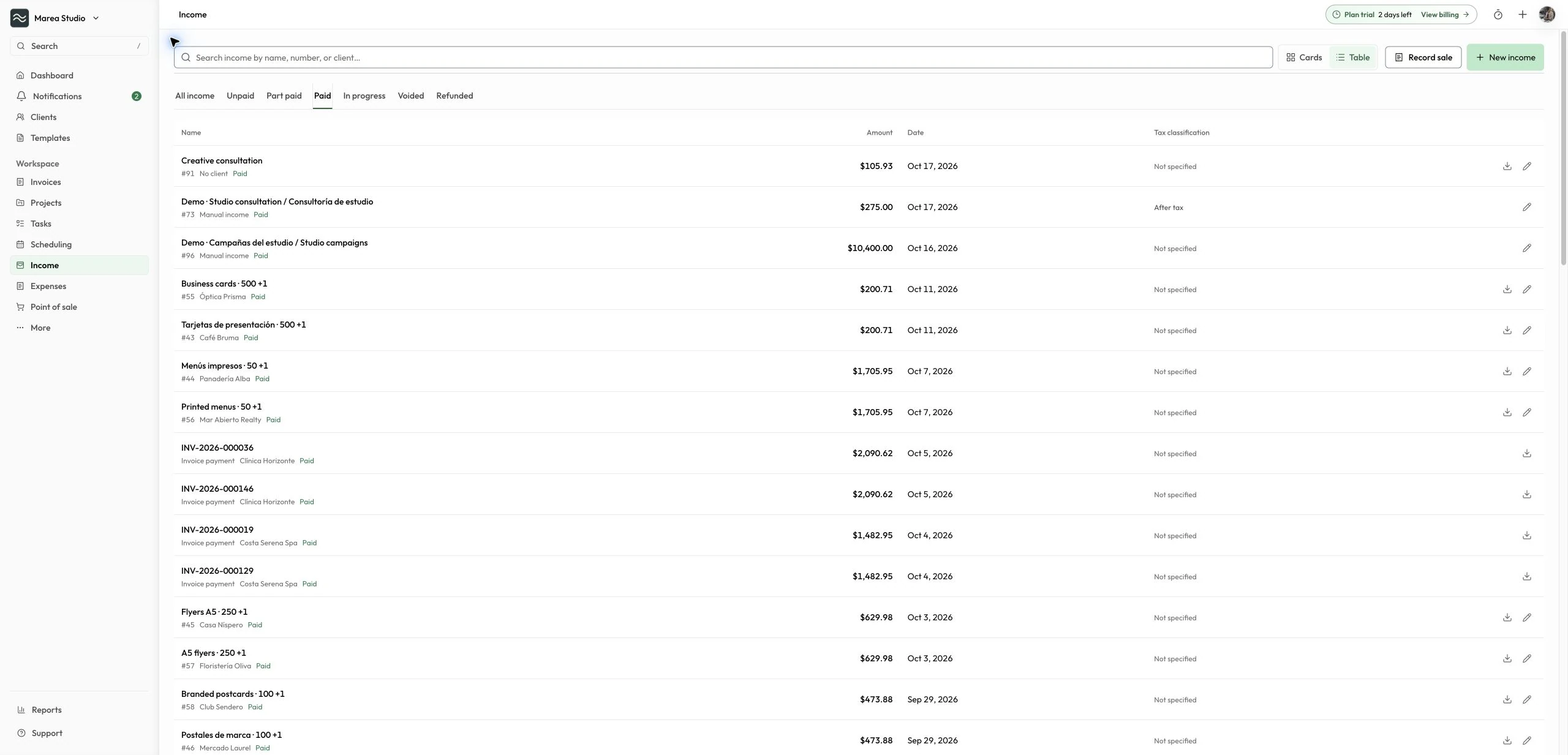
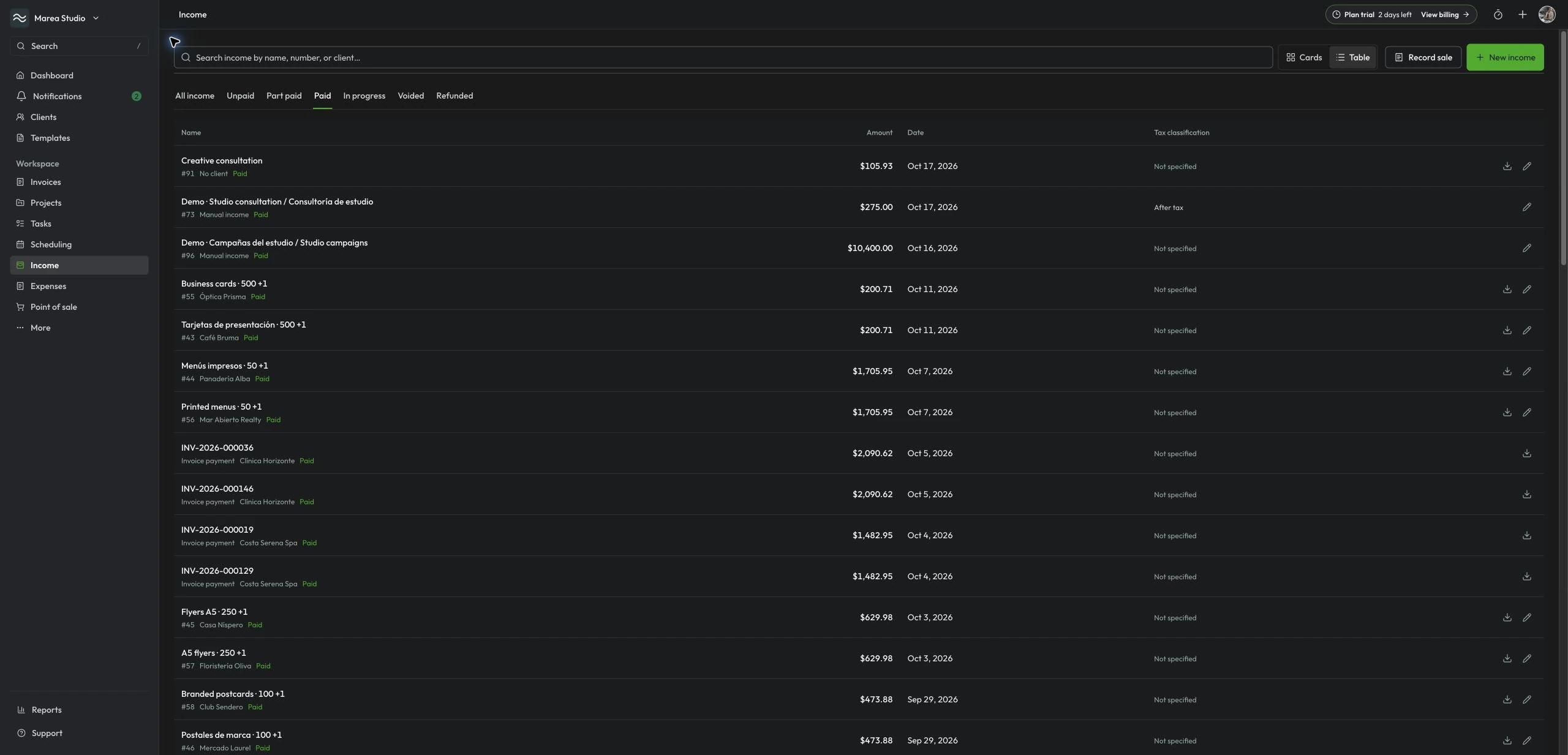
At a glance
What you can do
Review payments and balances
Open related clients and invoices
Download receipts and invoices
From the first step to the next
A clearer way to work.
Record
Log what you’ve received
Income brings together manual income, recorded sales payments, and eligible collected invoice payments. Add the amount, date, and payment details for income you’ve received manually. Record sale opens Point of sale in Operations to sell products or services, check out an appointment, and create the linked sale invoice automatically.
- Income amount and date
- Payment details
Follow up
Follow up with the right context
Review payments and remaining balances, then open a related client, appointment, or invoice to see the details. Keep each follow-up connected to the work behind it.
- Payment history
- Related clients and invoices
Documents
Keep the paperwork close
Download a receipt for an eligible recorded payment in 80 mm or 58 mm thermal-paper format, or download the linked invoice when available. If you need withholding context, mark income before or after tax, or leave it unset. This optional classification does not calculate IVU.
- 80 mm and 58 mm receipt PDFs
- Download linked invoices
Common questions
The details to help you get started.
What happened to Sales?
Income is the financial register for manual income, recorded sales payments, and eligible collected invoice payments. Record sale opens Point of sale in Operations for product or service sales and appointment checkout, with automatic creation of the linked sale invoice. Appointment checkout requires Pro or PyME.
How do invoice payments appear in Income?
Authorized owners, admins, accountants, and managers can review eligible collected invoice payments alongside manual income and sales. The register uses saved payment evidence and keeps sale-linked invoices from appearing twice. An unpaid invoice is not collected income. Open the invoice to review or correct its payment source.
Can I still record a partial sale payment?
Yes. Record the amount collected, and the sale stays part paid until the remaining balance is cleared.
Can I accept payments online?
Pro and PyME businesses can use online checkout after completing Stripe setup. Point of sale separates manual payment records, online checkout, and eligible stored-card payments. A saved card requires the client’s authorization; saving it does not charge the card or add account credit.
Can a manual payment method show a QR code?
Yes. Add one image to a manual method for instructions such as a Cash App, ATH Móvil, or Zelle QR code. The image helps the client follow your instructions; it does not connect the provider or confirm a payment. Record the payment only after confirming receipt.
Income
Ready for the next job?
Keep the next step connected to the work that matters.
Start with Mantuno