

Resourcing · PyME web
Make room for the next project.
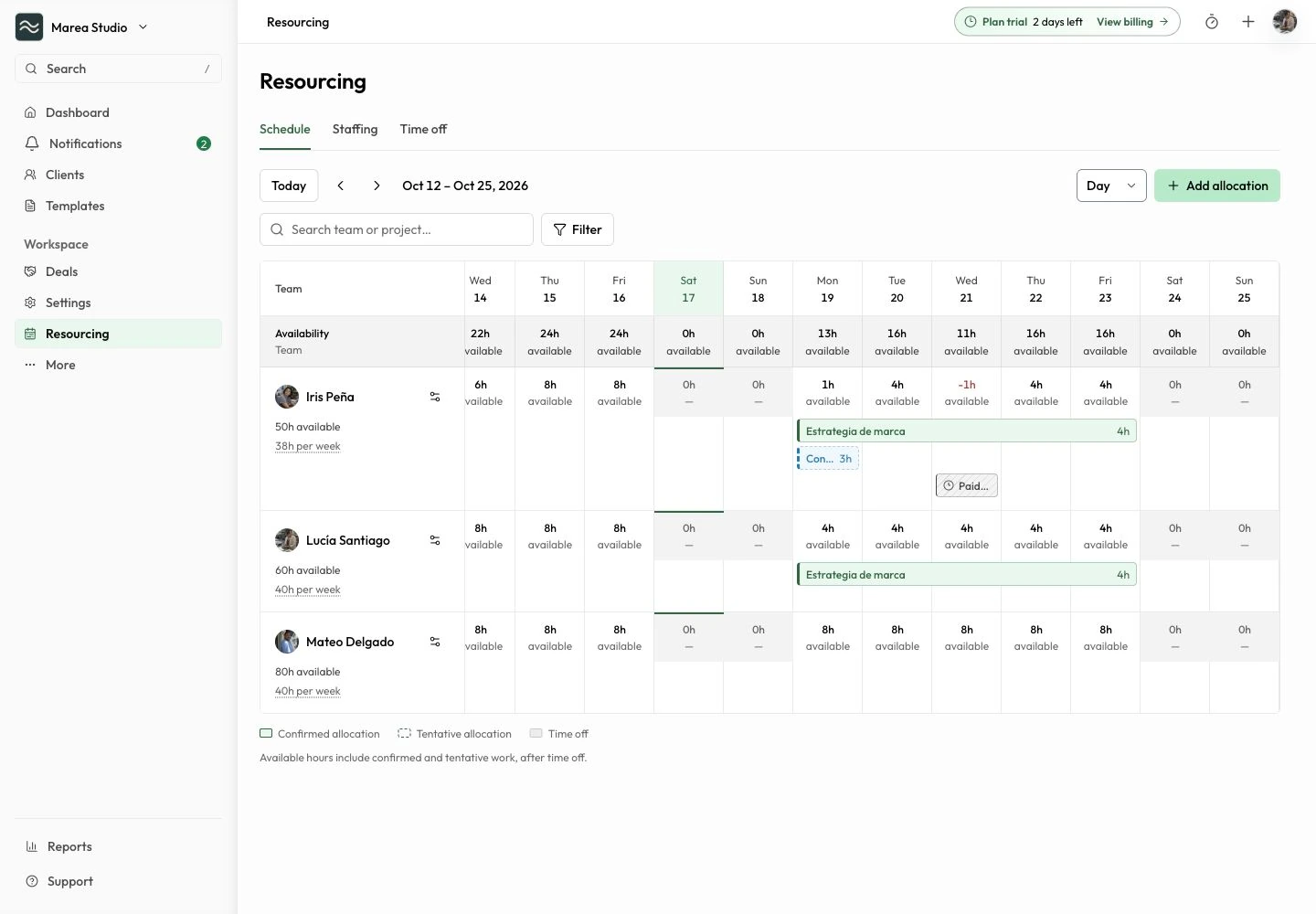
Plan project allocations, tentative work, and time off against each member’s weekly capacity.
Plan: PyME
At a glance
What you can do
Confirmed and tentative project allocations
Time off with hours or full days
Remaining capacity and overload visibility
From the first step to the next
A clearer way to work.
Capacity
Start with the actual workweek
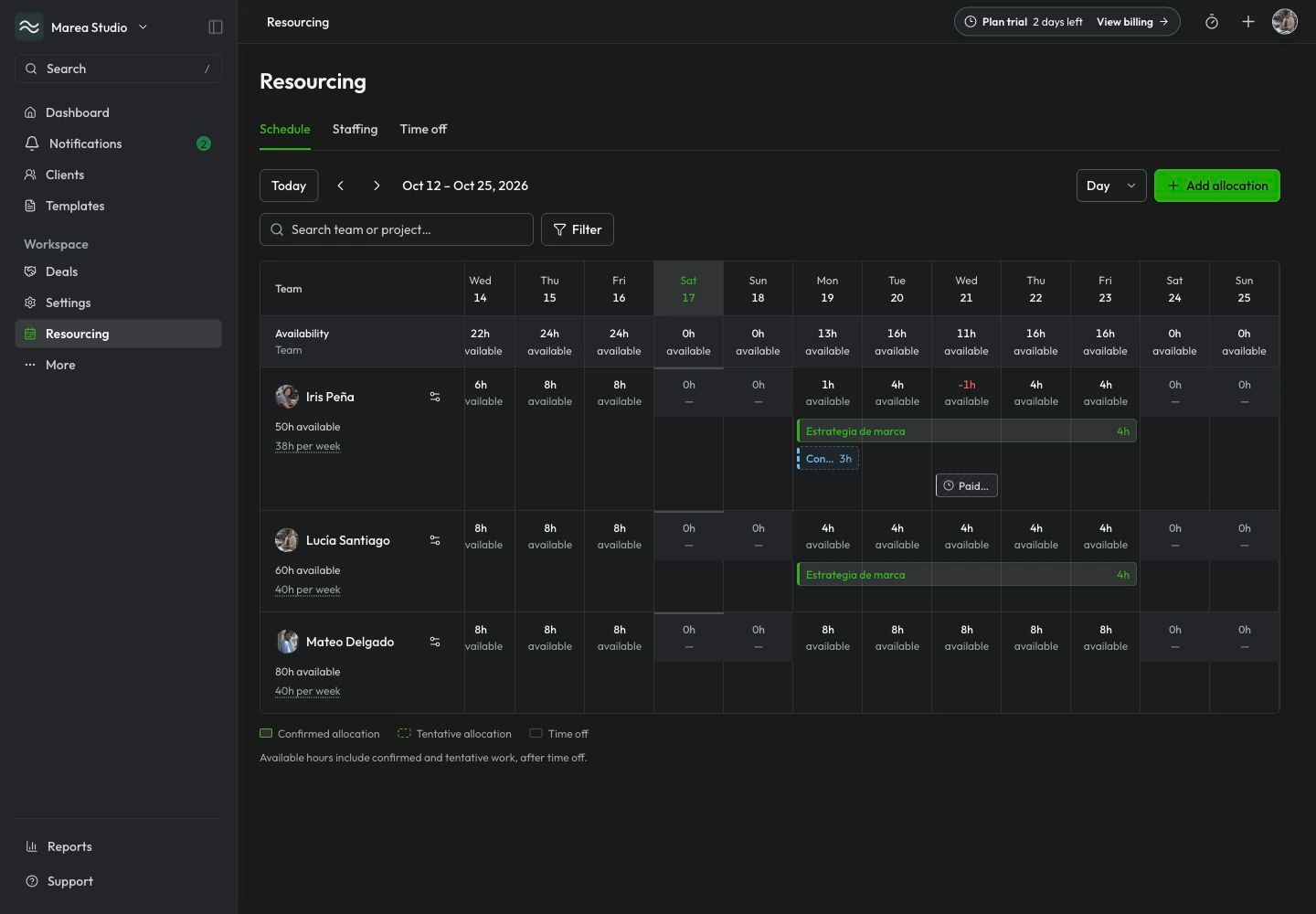
Set each member’s Monday-to-Sunday capacity. Review available hours in Schedule and Staffing views, filter the work you need to see, and keep the project and client context close to the plan.
- Capacity by member and weekday
- Schedule and Staffing views
- Project and client context
- Focused filters
Allocations
Separate committed work from possibilities
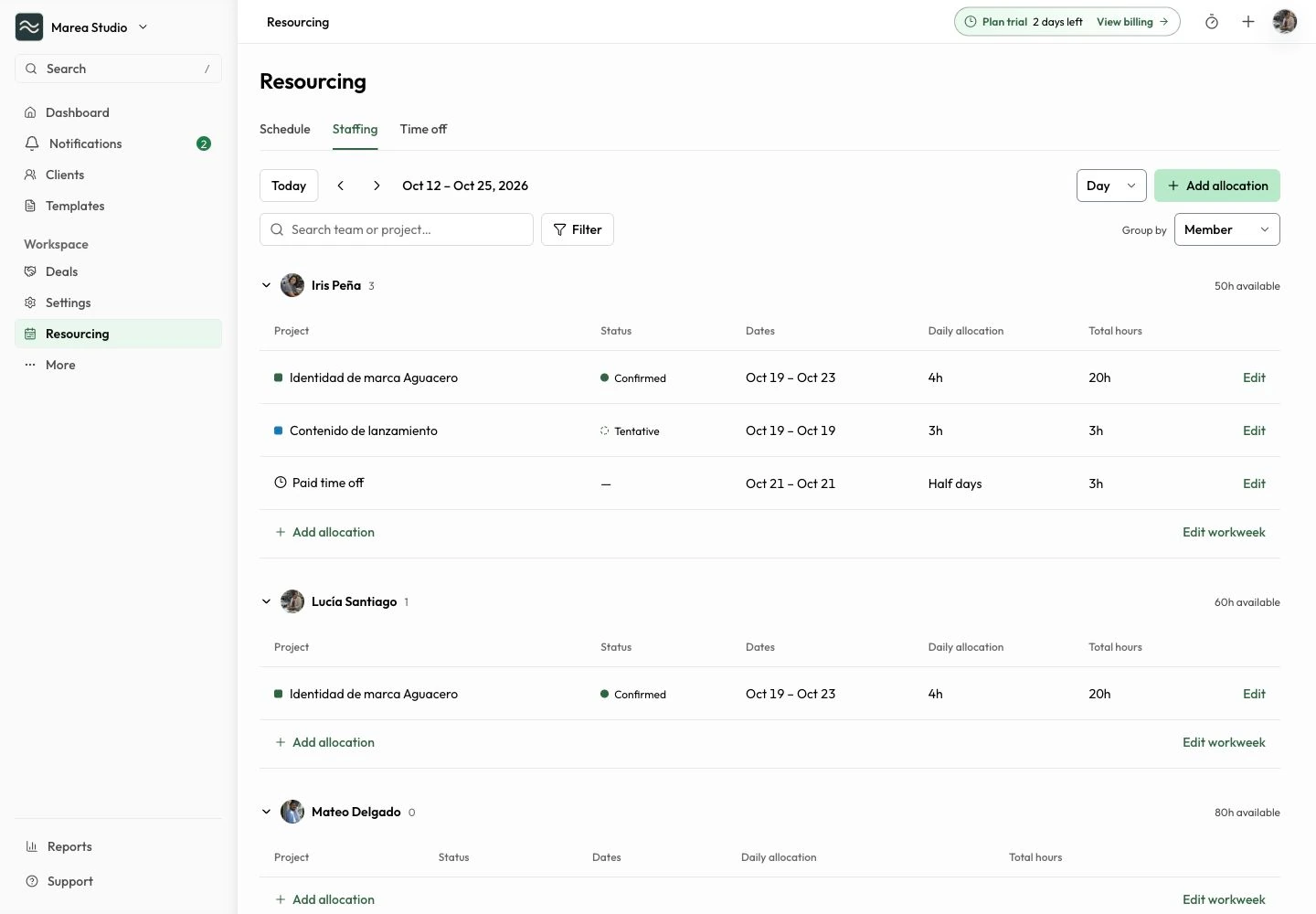
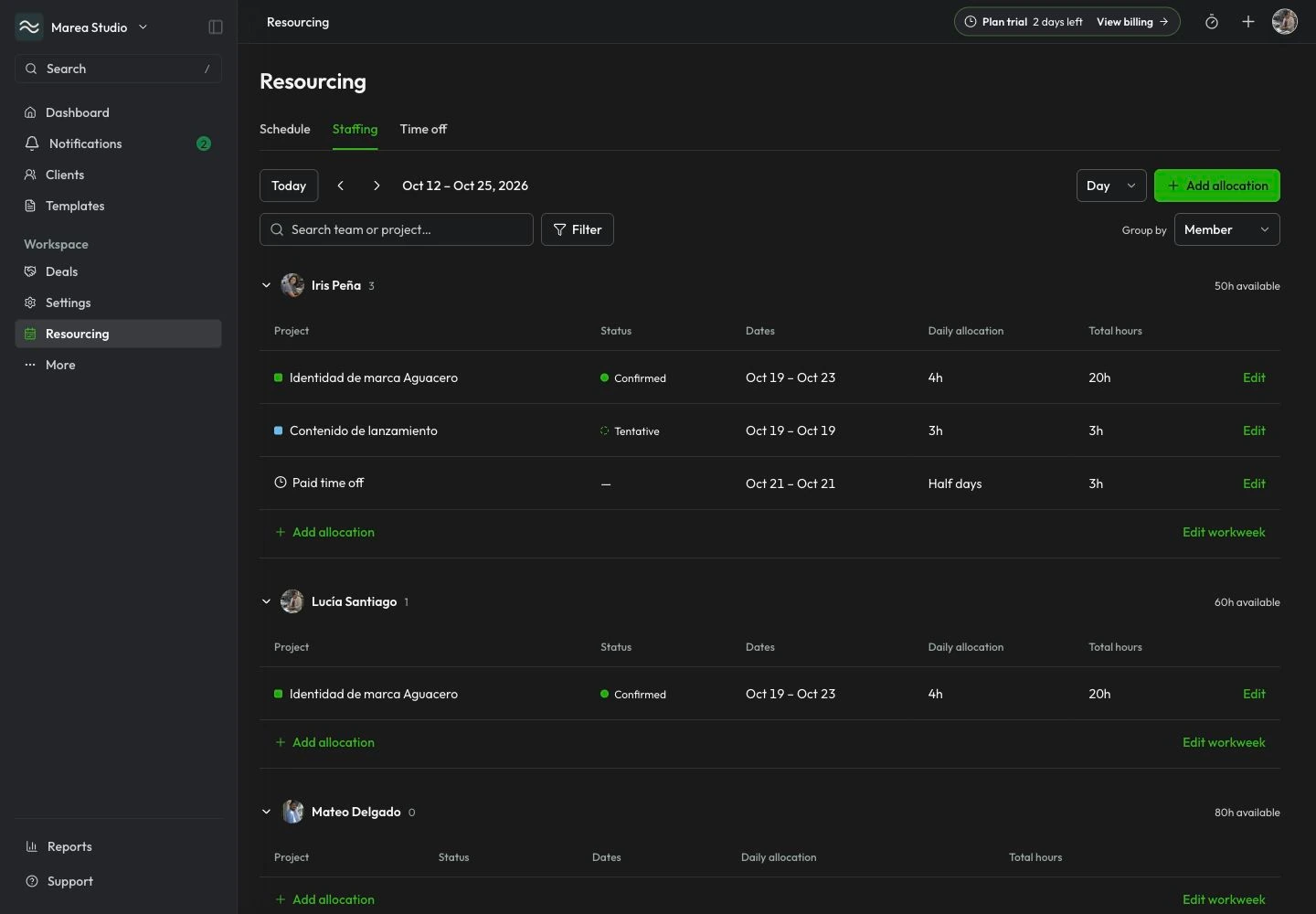
Allocate one project to multiple members together. Choose inclusive start and end dates, hours per day, and whether to include weekends. Keep tentative work distinct from confirmed allocations so possible projects remain visible without presenting them as commitments.
- Project-linked allocations
- Multiple members in one save
- Confirmed or tentative status
- Dates, daily hours, and optional weekends
Availability
See where the plan needs attention
Record time off as hours or full days with a category, then review remaining capacity and overloads. Optional scheduling notes are restricted to managers. Planned hours help coordinate staffing; they are separate from actual time recorded in Time Tracking.
- Hourly or full-day time off
- Time-off categories
- Manager-only optional notes
- Remaining hours and overloads
Common questions
The details to help you get started.
Which plans include Resourcing?
Resourcing is reserved for active PyME workspaces on SaaS web. Individual and Pro, including their trials, do not include it. Eligible PyME trials follow the selected plan’s access and original deadline. Prices and seat billing are unchanged.
Does an allocation invite someone or record actual time?
No. Allocations plan work for existing workspace members and do not create a seat or grant workspace access. Actual work is recorded separately in Time Tracking; a staffing allocation is not proof that work occurred.
Is this a payroll or leave approval system?
No. Resourcing supports staffing planning. Time-off records do not approve leave, determine leave entitlements, calculate payroll, or measure employee performance. Avoid placing medical information or other unnecessary personal details in scheduling notes.
Can I use it on Ops mobile or customer surfaces?
This version is for the internal SaaS web workspace. Ops mobile parity is deferred, and customer surfaces do not expose staffing records.
Resourcing · PyME web
Ready for the next job?
Keep the next step connected to the work that matters.
Start with Mantuno